CloudPay Mobile

Setup Guides, Product Help, and Troubleshooting Resources

Get help using CloudPay Mobile.
The CloudPay Mobile Support Center gives businesses access to setup instructions, troubleshooting help, feature documentation, and operational guidance for everyday payment workflows.
Whether you’re configuring Tap to Pay, managing invoices, using the Dashboard, or reviewing transaction activity, the Support Center helps teams find answers quickly and keep payment operations running smoothly.
Cloud Pay Mobile

Support Resources Built Around Real Product Workflows

Payment platforms are used every day in live business environments, which means fast access to accurate support information matters. Teams need clear instructions when setting up devices, managing customers, reviewing payments, or troubleshooting transaction issues.
The CloudPay Mobile Support Center is designed to provide practical product guidance instead of generic documentation. Businesses can access setup walkthroughs, payment feature instructions, Dashboard help articles, and troubleshooting resources directly related to how CloudPay Mobile actually works.
Because the platform includes multiple workflows — Tap to Pay, invoices, subscriptions, payment links, virtual terminal, and customer management — the Support Center helps businesses navigate those tools through one organized resource hub.

What You'll Find in the Support Center

Cloud Pay Mobile

Setup and Account Configuration Guides

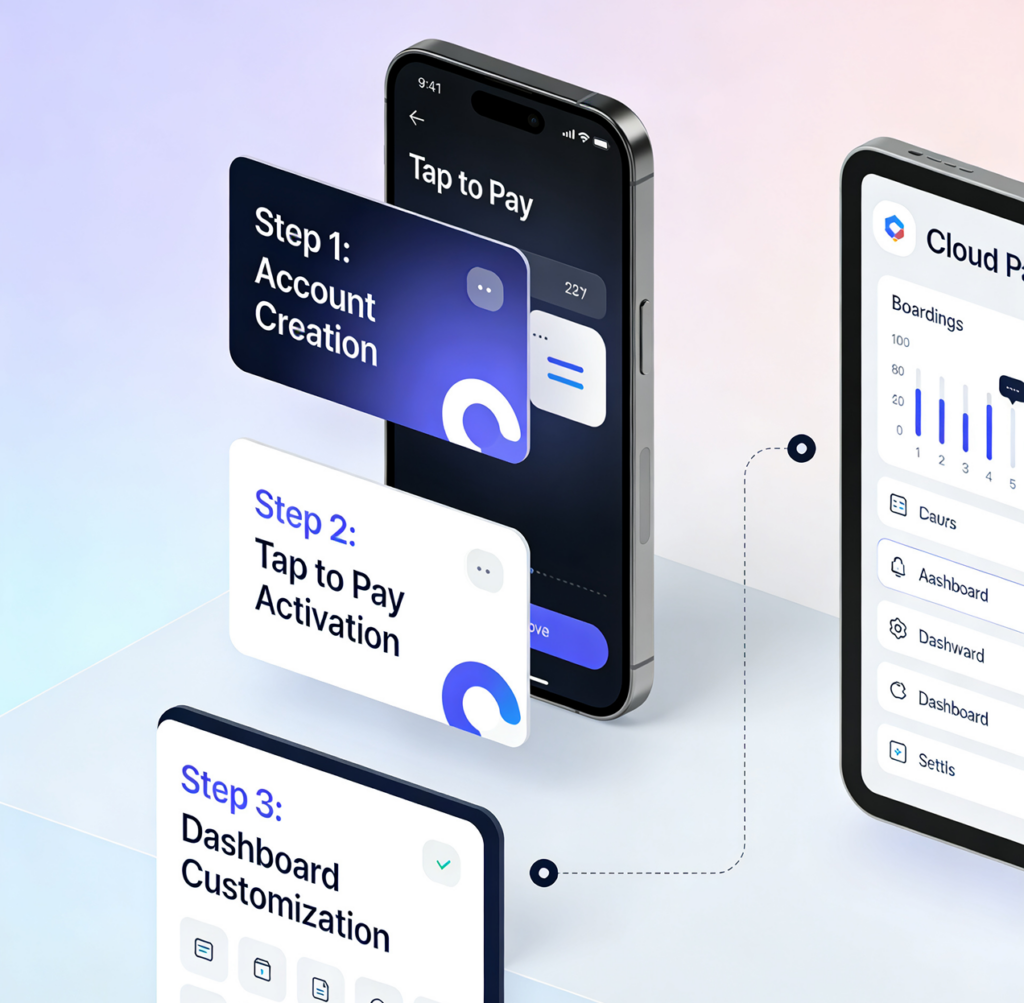
Step-by-step instructions for setting up CloudPay Mobile accounts, activating Tap to Pay on iPhone or Android, configuring Dashboard access, and managing operational settings across your business.
Cloud Pay Mobile

Product Feature Documentation

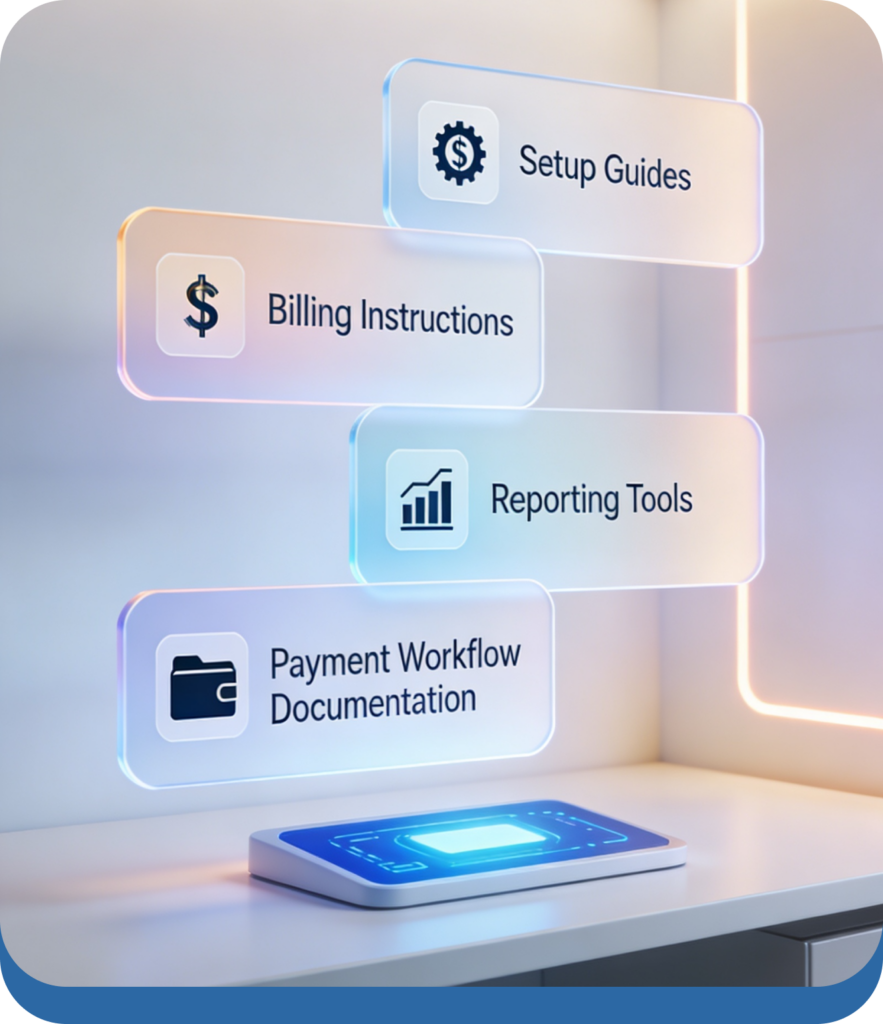
Detailed guidance for features including Payment Links, subscriptions, invoices, customer management, Item Catalog setup, email receipts, and Virtual Terminal workflows.
Cloud Pay Mobile

Troubleshooting and Payment Issue Help

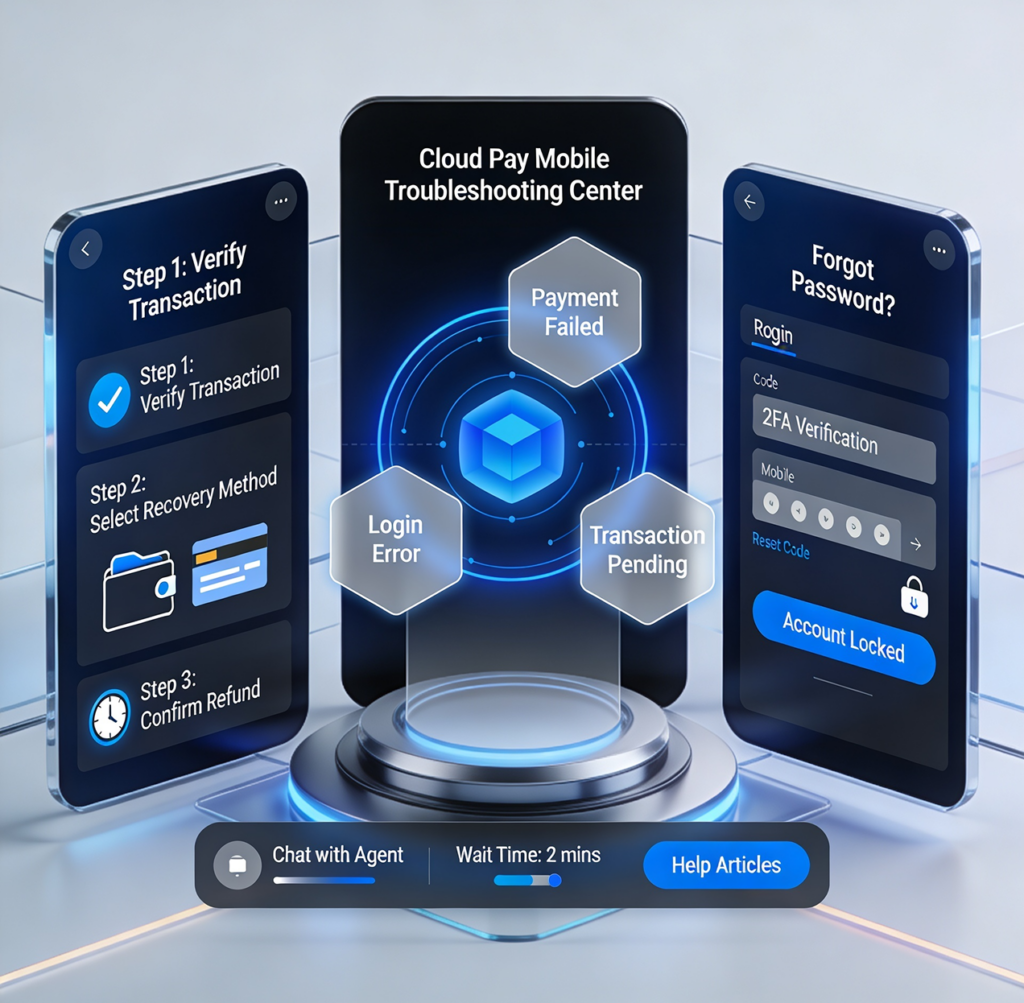
Practical troubleshooting information for transaction errors, login problems, payment processing issues, customer management questions, and Dashboard-related workflows.
Cloud Pay Mobile

Dashboard and Reporting Instructions

How to review reporting data, transaction activity, customer records, saved cards, and operational insights through app.cloudpaymobile.io.
Cloud Pay Mobile

Staff and User Role Management

How Admin, Manager, and Cashier roles work inside CloudPay Mobile while managing permissions and operational access across your team.
Cloud Pay Mobile

Operational Best Practices

Recommendations for improving checkout flow, managing customer records, organizing Item Catalogs, and handling day-to-day payment operations more efficiently.

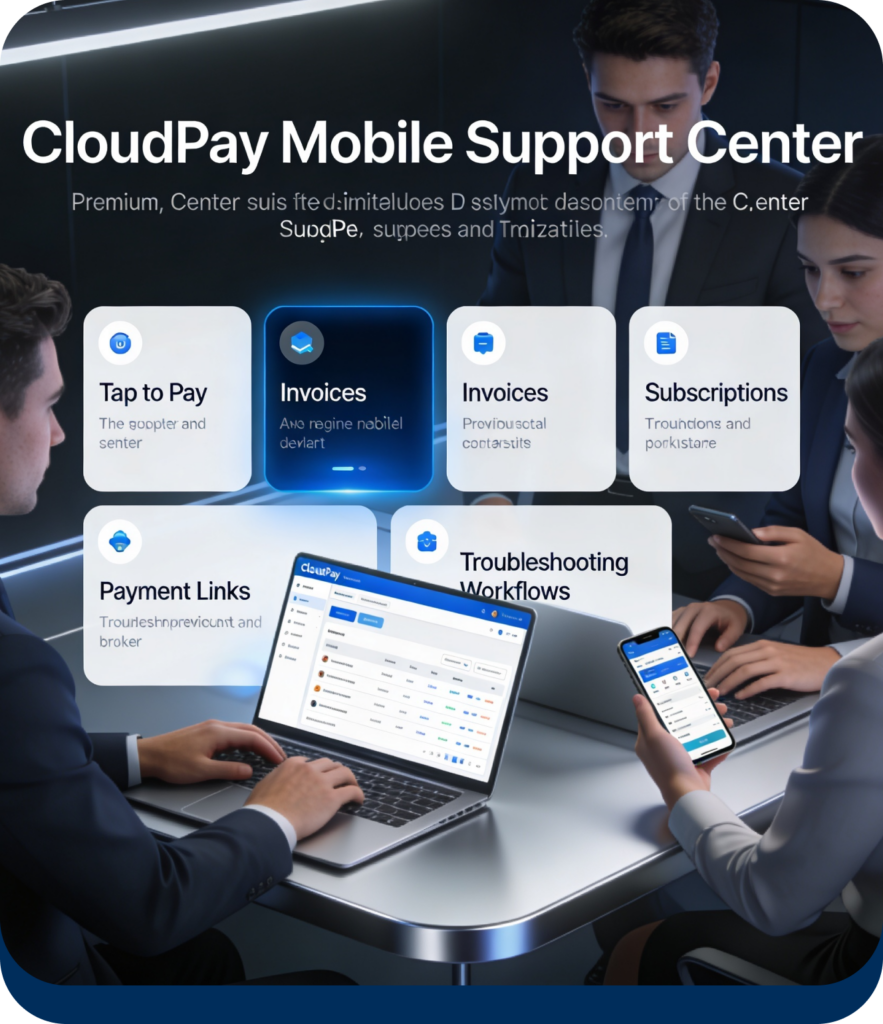
Fast Access to the Information Your Team Needs

The Support Center is designed to help businesses solve operational questions quickly without searching through disconnected documentation or waiting for basic setup answers.

Common Reasons Businesses Use the Support Center

Cloud Pay Mobile

Get Help When You Need It

The CloudPay Mobile Support Center provides practical product guidance, troubleshooting help, and operational resources designed around real payment workflows.