CloudPay Mobile

Share a Link. Get Paid
From Anywhere.

Send a payment link or invoice in seconds. Customers pay from any device, and the money lands in the same account as your in-person sales.
Sometimes the customer isn’t standing in front of you. With CloudPay Mobile, you don’t need to chase them down or lose the sale — just send a link, and they pay when it works for them.
Cloud Pay

The Easiest Way to Get Paid Without Being There

Whether it’s a service deposit, a remote consultation, an invoice for completed work, or a one-off charge for something a customer ordered over the phone — payment links and invoices give you a way to collect money without needing to swipe a card or run a terminal.
Generate a link from your dashboard or directly from the CloudPay Mobile App, send it by email, SMS, or QR code, and watch the payment come through. Every transaction settles into the same account as your in-person sales, with no separate dashboard to check.
Built for Real-World Get-Paid-Later Scenarios

One-Off Payment Links

Create a link for a specific amount, share it, get paid. Perfect for deposits, custom service charges, or one-time orders. Each link is single-use unless you choose otherwise.

Full Invoices

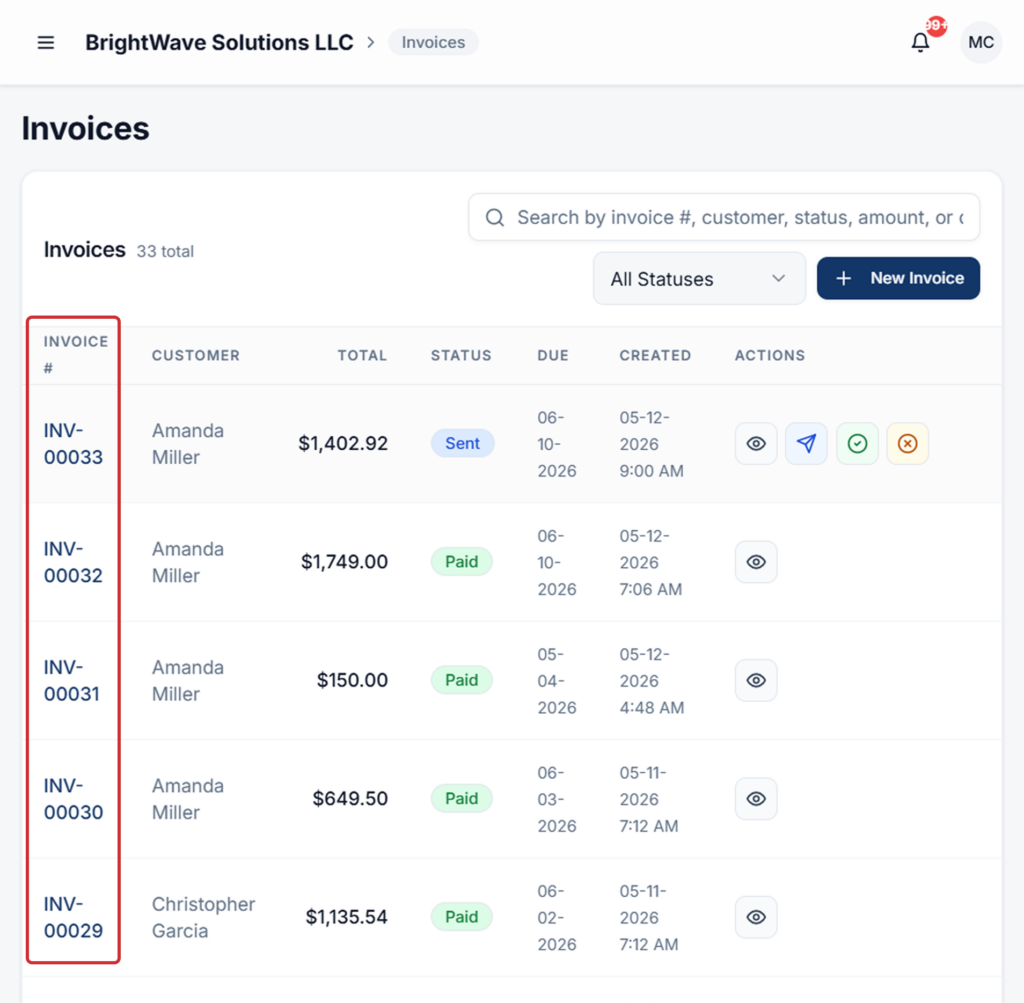
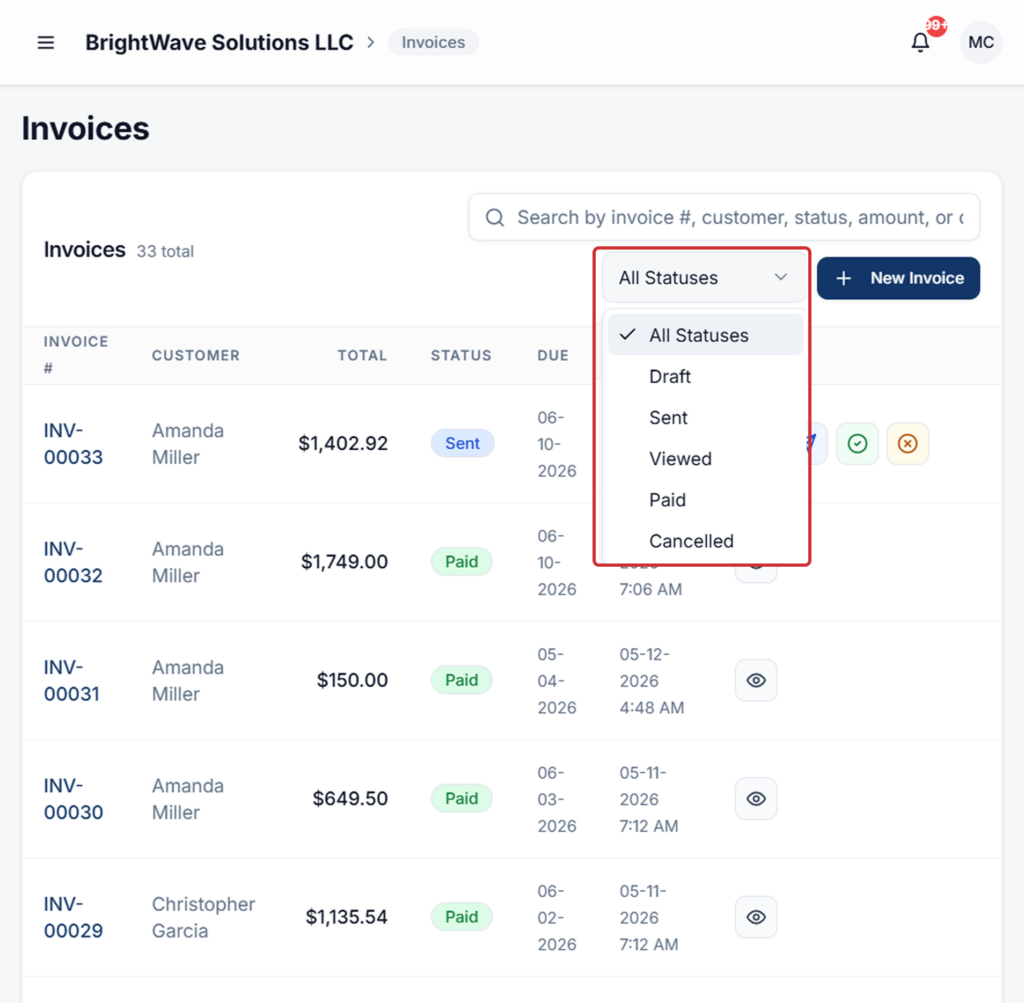
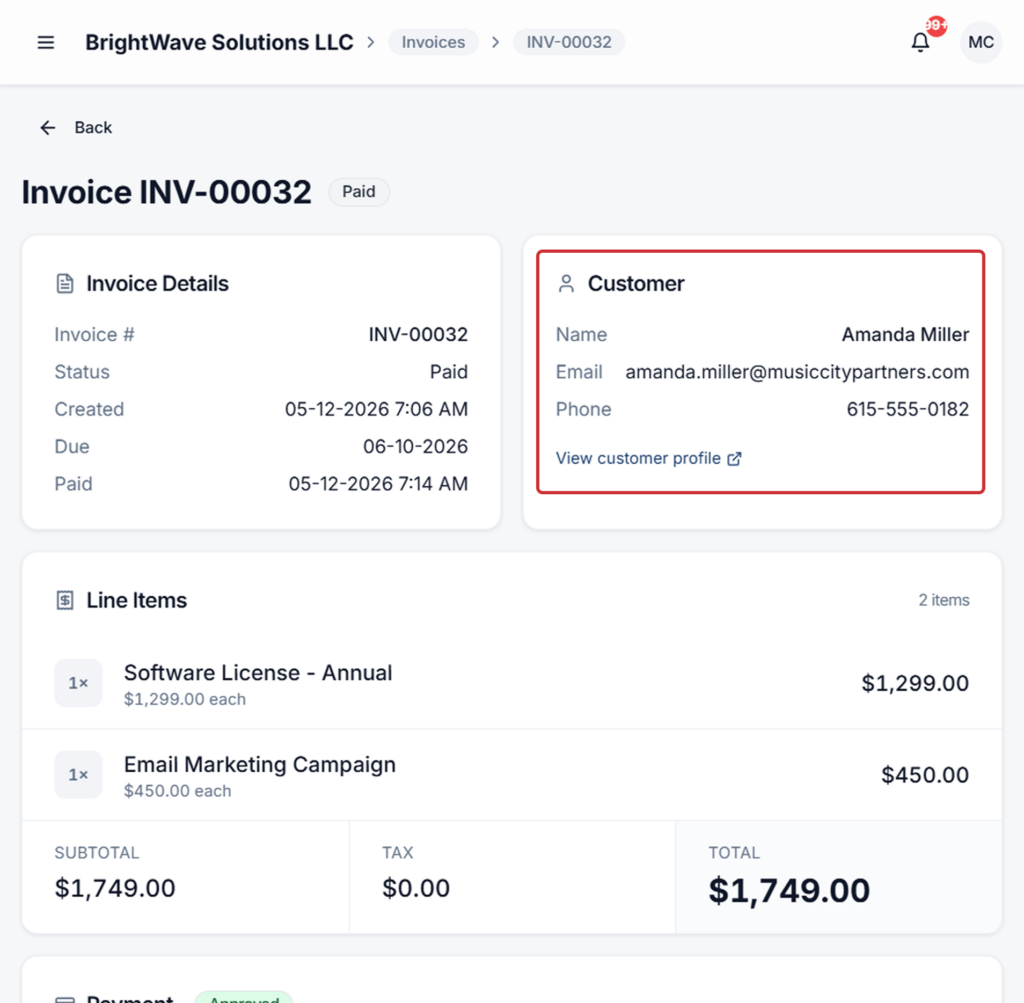
Generate a full invoice with line items, due dates, customer details, and auto-numbered IDs. Send by email; track status from draft to sent to paid right in your dashboard.

Recurring Subscriptions

Charge customers on a weekly, biweekly, monthly, quarterly, or yearly schedule. Pause, resume, or cancel anytime. Each charge is logged with full payment history attached to the customer profile.

Send by Email, SMS, or QR Code

Email links from your invoice flow, share by SMS for service businesses, or print a QR code for in-person scenarios where the customer wants to pay on their own phone.

A Clean, Trusted Checkout for Your Customers

When your customer clicks the link, they see a hosted payment page that’s fast, mobile-optimized, and PCI-compliant. They enter their card details, confirm the amount, and pay. No account creation, no friction.
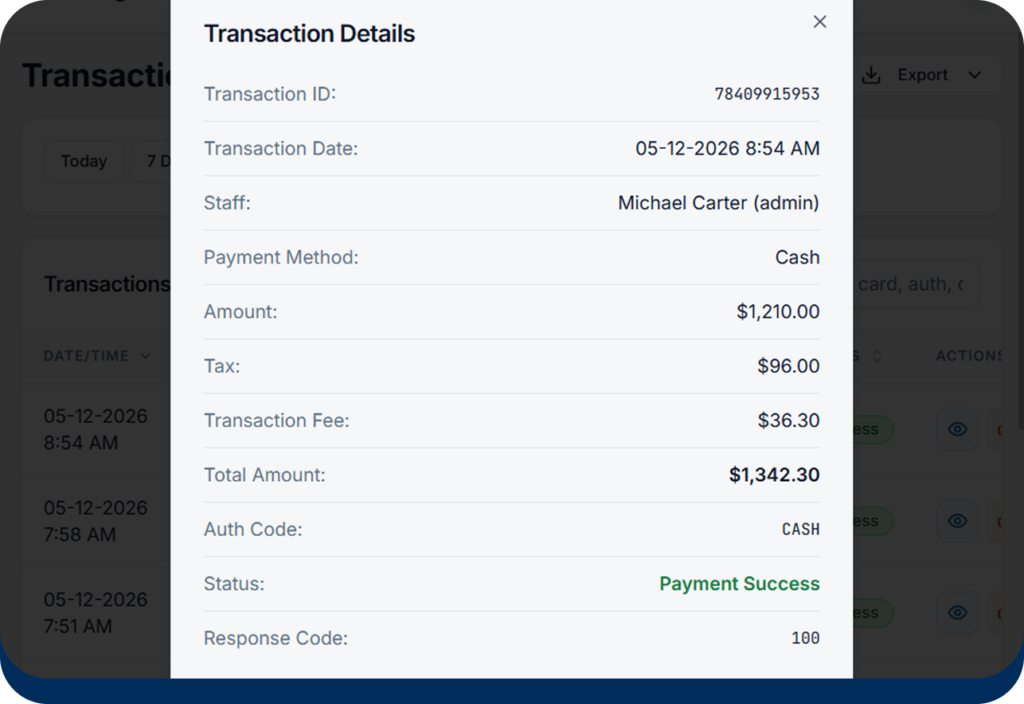
After payment, both you and the customer get a confirmation by email. The transaction shows up in your dashboard immediately, attached to the customer profile if you created the link with a customer attached.
Cloud Pay

Send a Link. The Rest
Happens Automatically.

Cloud Pay

Auto-Numbered Invoices

Every invoice gets a clean sequential number, so your accounting stays organized without manual tracking.
Cloud Pay

Status Tracking

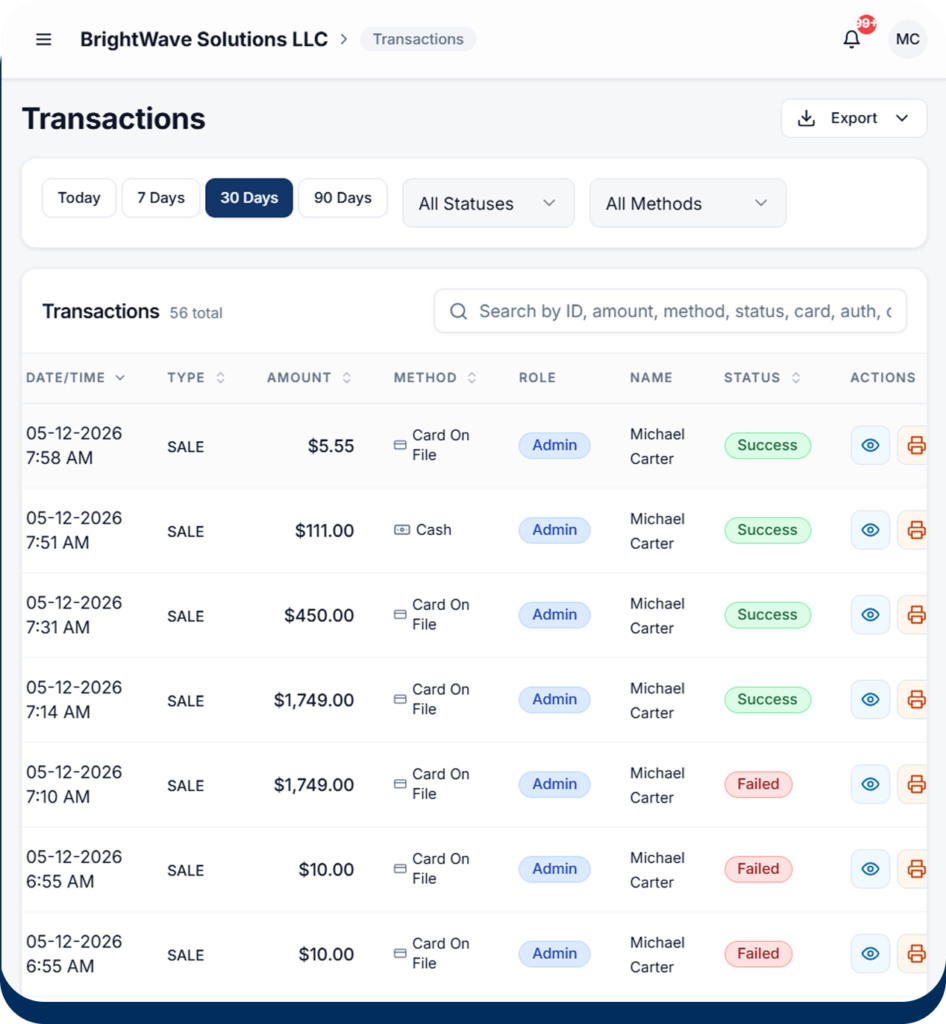
See draft, sent, paid, overdue, or cancelled at a glance. Sort and filter from the dashboard.
Cloud Pay

Customer-Linked Payments

Attach links and invoices to existing customer profiles. Their full payment history — in-person, online, recurring — lives in one place.
Cloud Pay

Pause, Resume, Cancel Subscriptions

Manage recurring billing without contacting support. Subscription state changes are logged for your records.
Cloud Pay

Unified Settlement

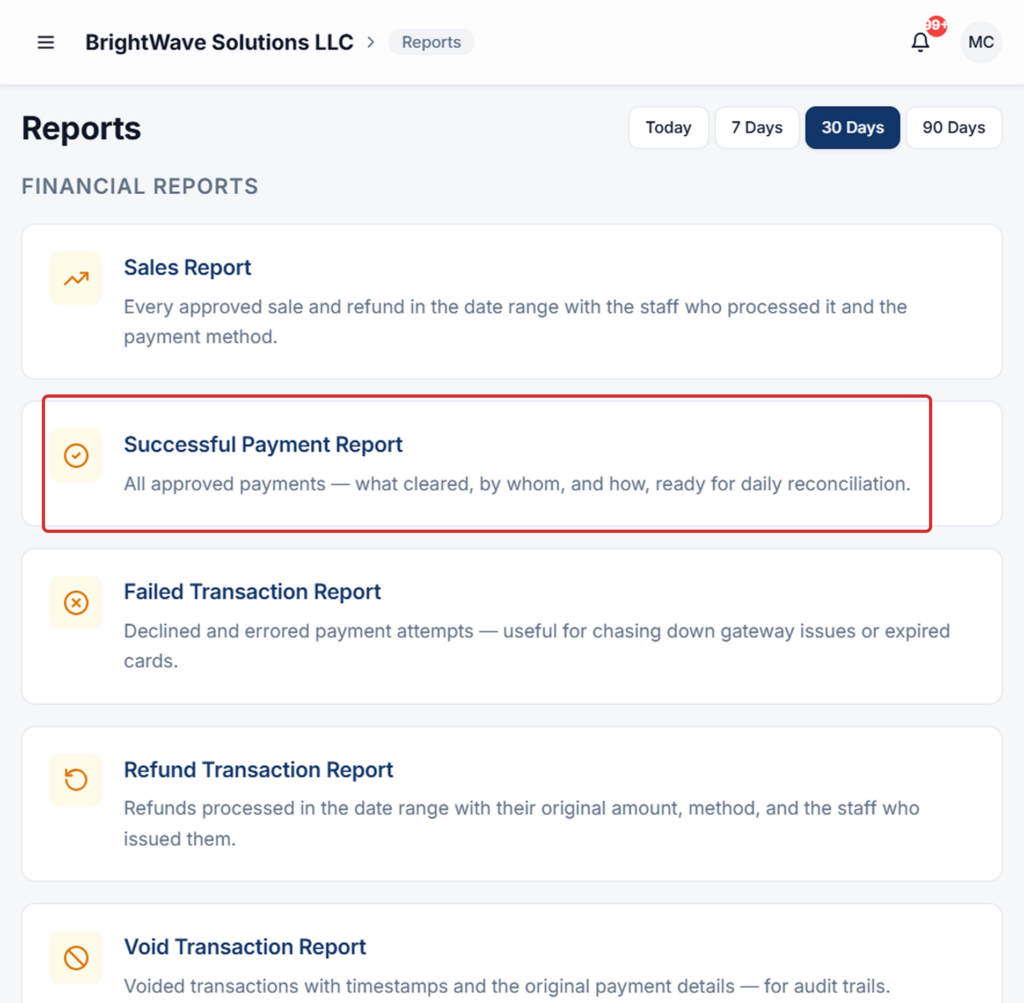
Money from links, invoices, and subscriptions settles into the same merchant account as your in-person CloudPay Mobile sales. One reconciliation, one statement.
Cloud Pay

Refund and Void Support

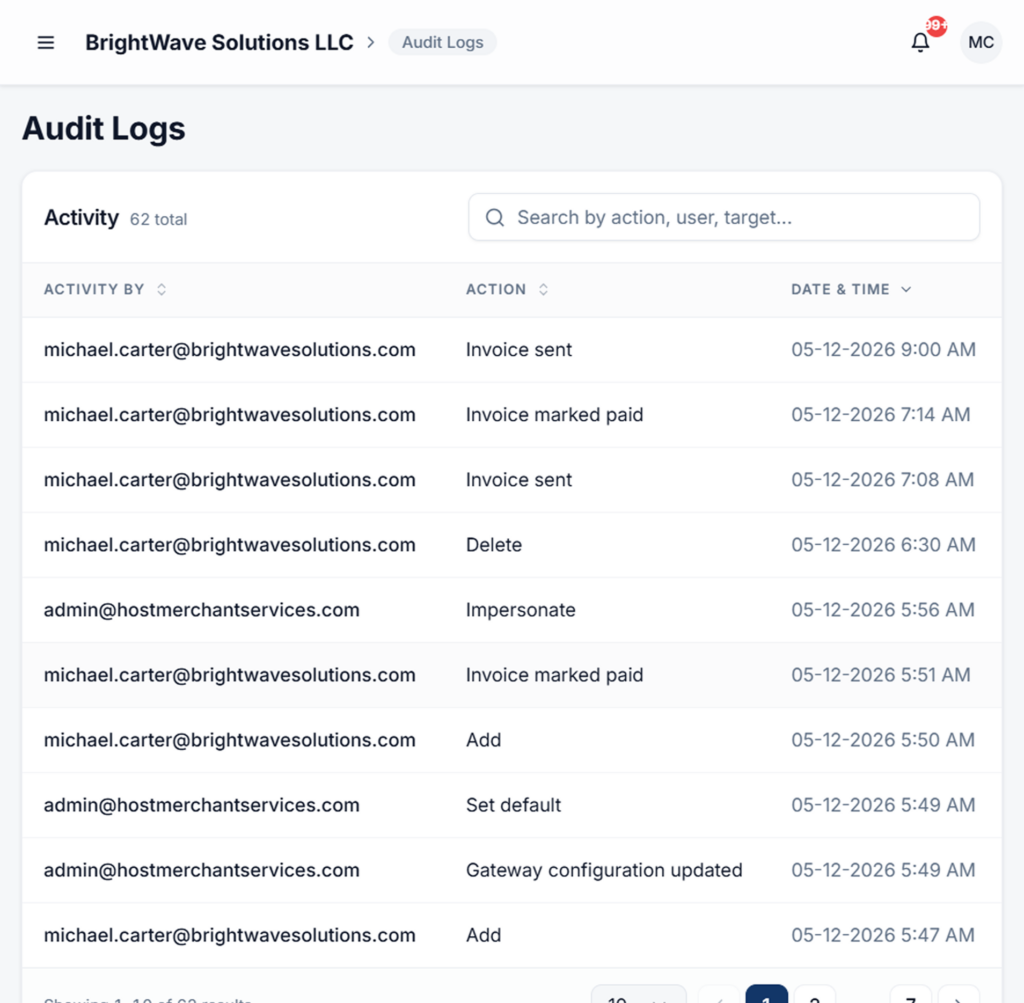
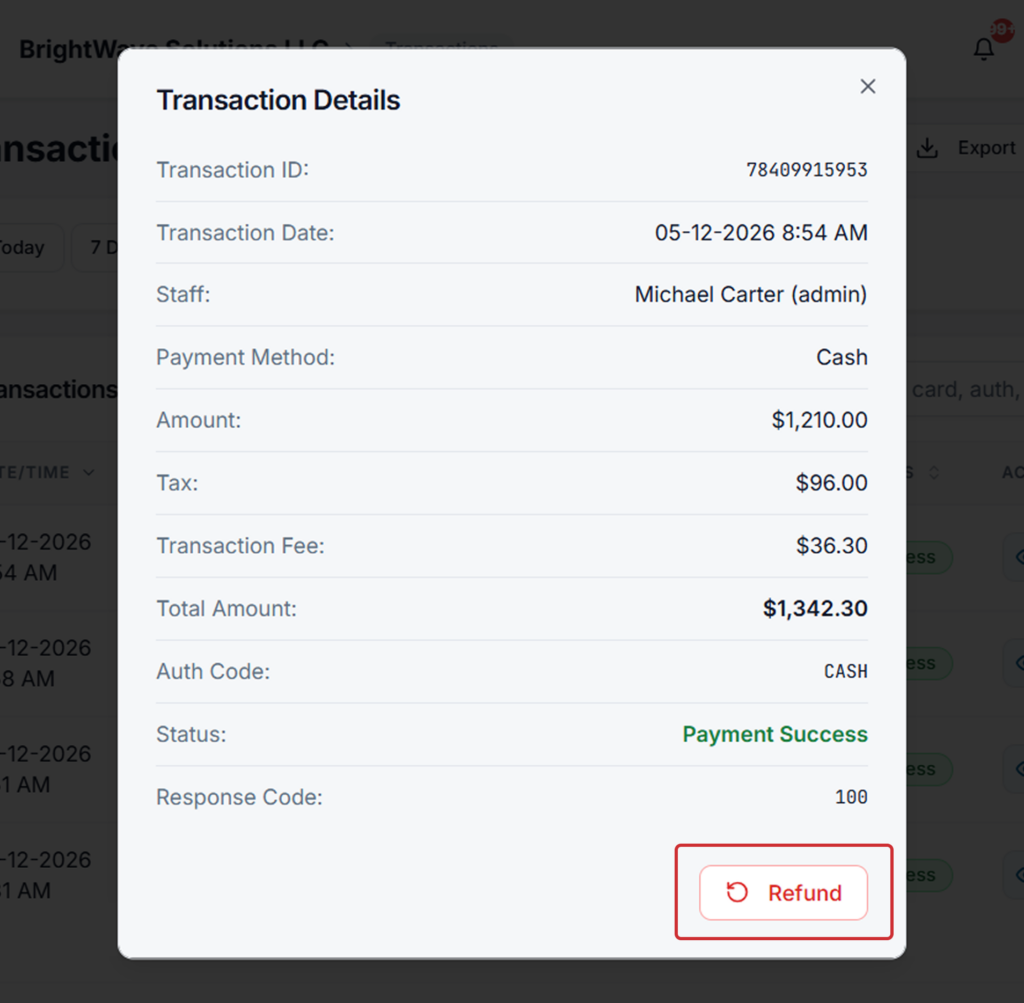
Reverse any link or invoice payment with reason codes and proper audit trails — same flow as in-person transactions.

Stop Chasing Payments.
Start Sending Links.

Whether you bill once, bill monthly, or just need to collect a deposit, payment links
and invoices keep the money flowing without keeping you stuck on the phone.