CloudPay Mobile

No Hardware Required

Your phone is the card reader. Your tablet is the POS. CloudPay Mobile runs on the device you already own — and skips the rest.
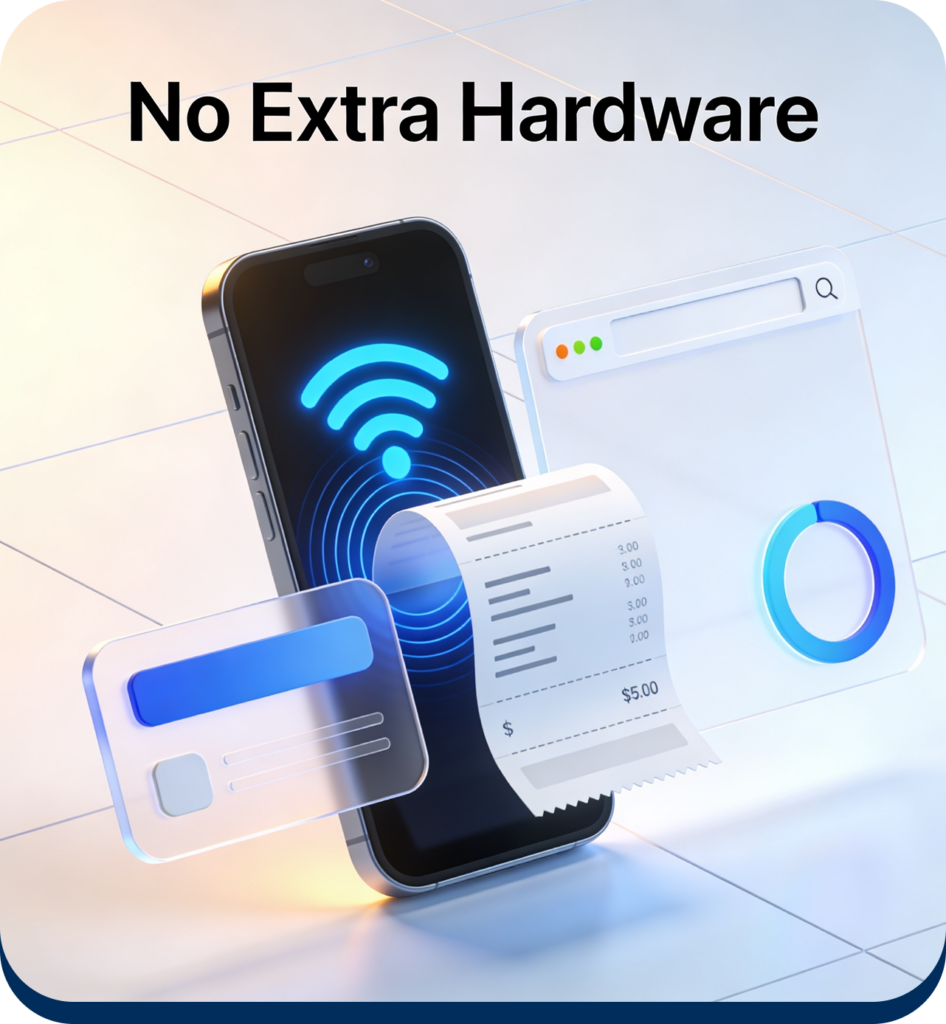
Most payment platforms still ask you to buy a card reader, a printer, a stand, and a cable for each one. CloudPay Mobile takes the opposite approach: a supported iPhone or Android device is the entire hardware story. Tap to Pay handles contactless acceptance natively. Email receipts replace the printer. The dashboard runs in any browser. That’s the stack.
Cloud Pay

The Cheapest, Fastest Way to Get Paid Is the One You Don't Have to Buy

External card readers cost money to buy, money to ship, money to replace when they get lost, and time to pair, charge, and troubleshoot. Receipt printers add paper, ribbons, jams, and another point of failure at the counter. Countertop terminals lock you into one vendor’s hardware ecosystem and one upgrade cycle.
CloudPay Mobile skips all of it. The contactless chip already inside your iPhone or Android device handles the read directly — no external reader, no Bluetooth pairing, no second device to keep charged. Email receipts deliver the moment a sale clears. The web dashboard runs in any browser. The entire hardware decision is whether you already own a phone.
Phone or Tablet — That's the Whole Setup

Choose the right CloudPay solution based on your business
workflow, checkout environment, and operational requirements.
Cloud Pay

Tap to Pay on iPhone

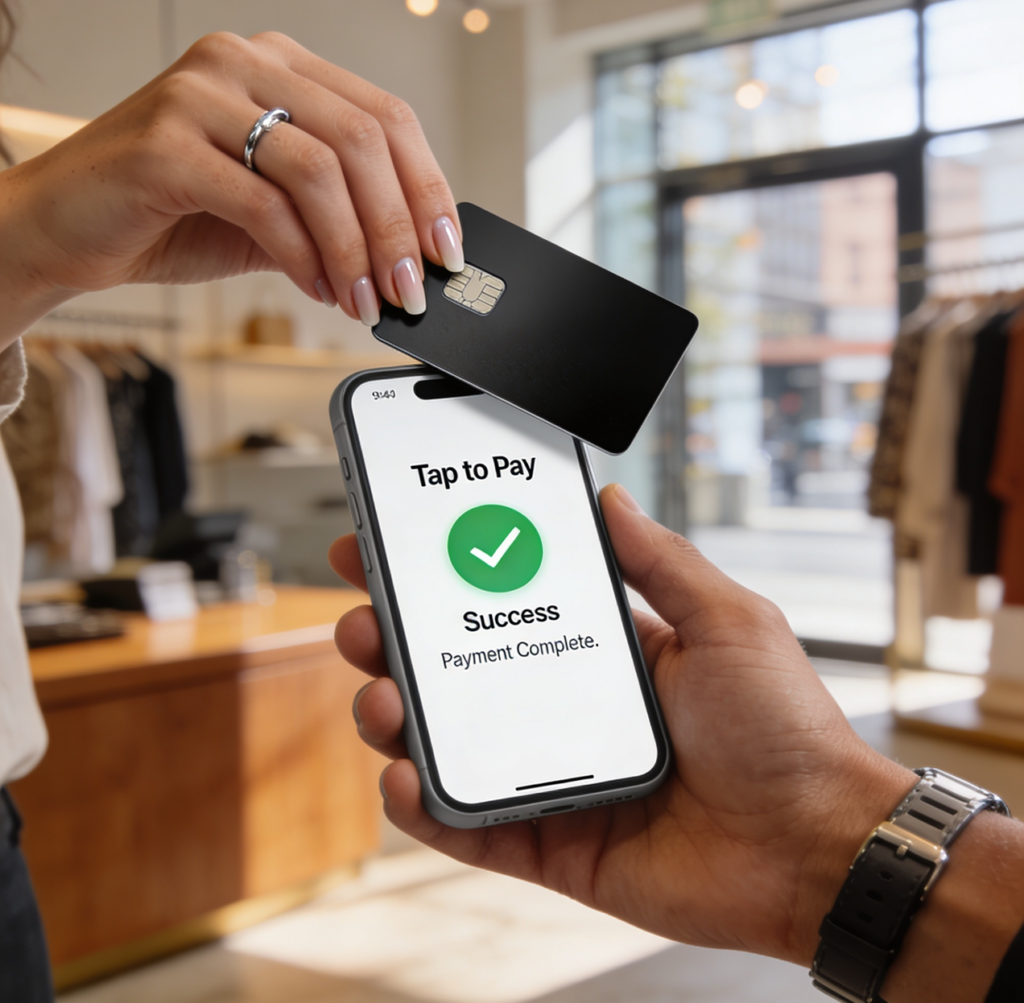
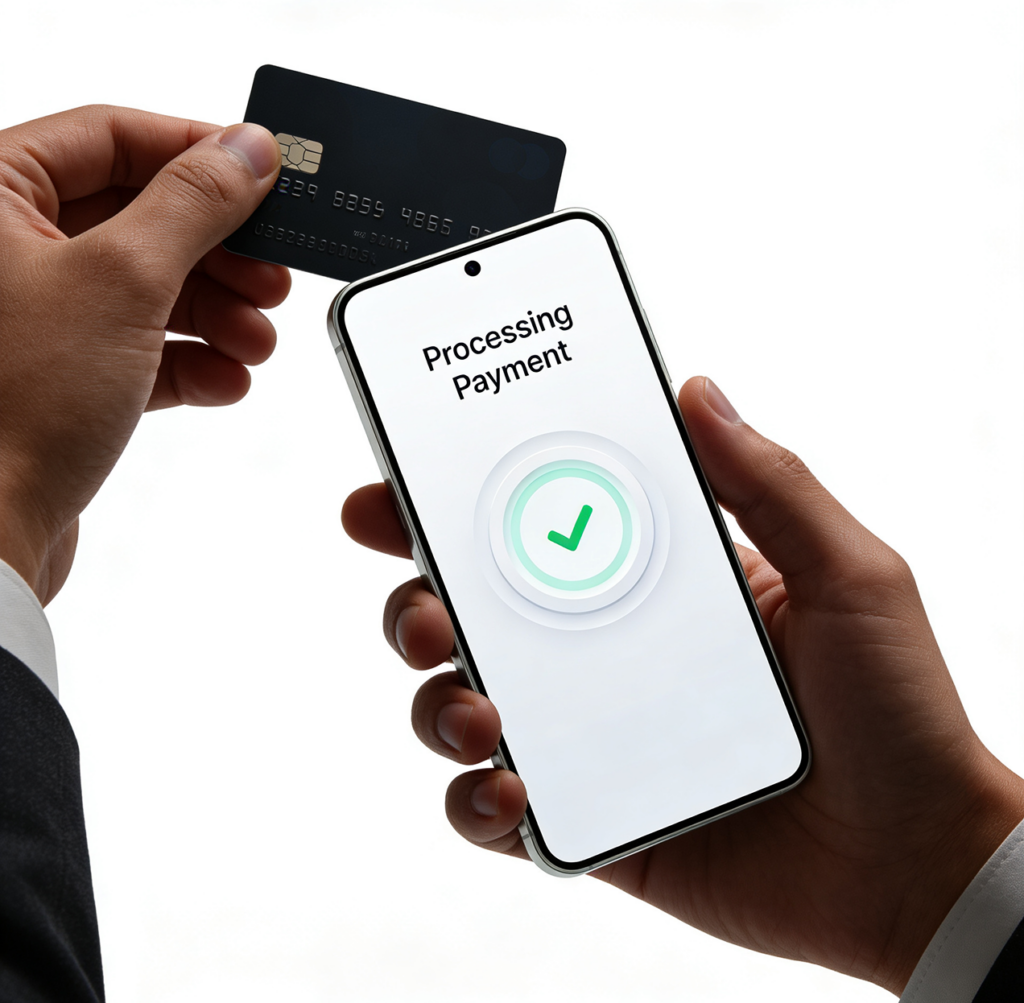
Supported iPhones use Apple’s native Proximity Reader framework to accept contactless cards and mobile wallets directly. No external reader, no dongle, no pairing. Hold the customer’s card or phone near yours and the sale completes.
Cloud Pay

Tap to Pay on Android

Supported Android phones and tablets handle contactless acceptance through SoftPOS via the Dejavoo IposgoSDK. Same readerless experience, same one-device setup.
Cloud Pay

Email Receipts Instead of Printers

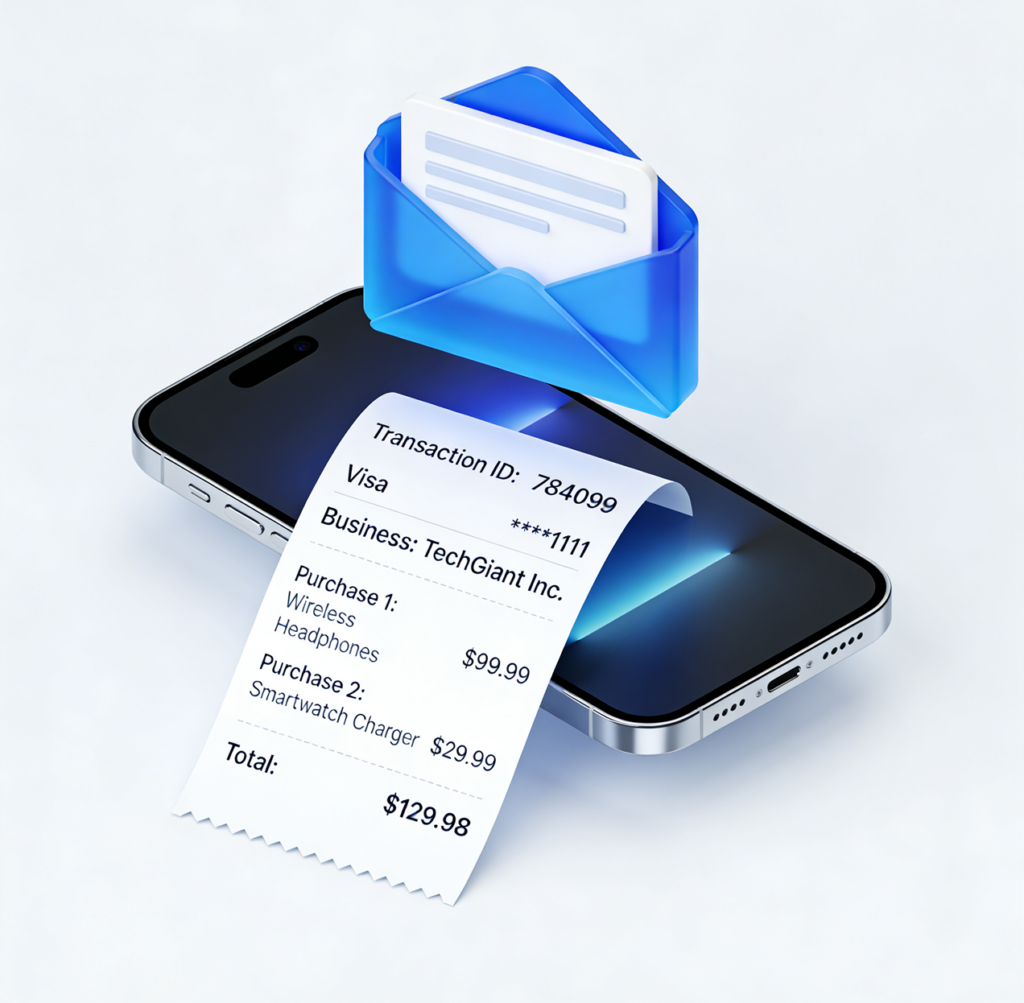
Customers receive a clean digital receipt at
the email they enter at checkout —
transaction ID, card brand, last 4, business details all included. No printer, no paper, no jams.
Cloud Pay

Browser-Based Dashboard

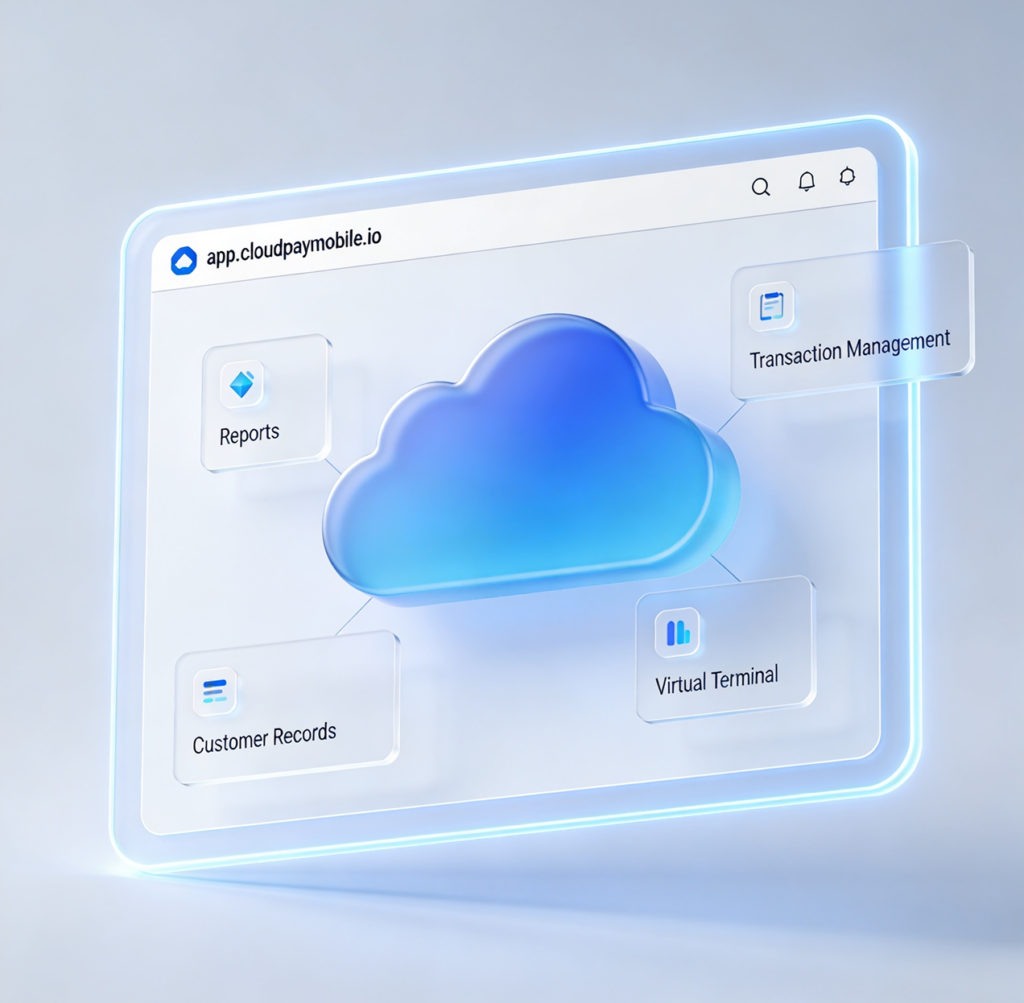
The CloudPay Mobile dashboard runs at app.cloudpaymobile.io in any browser. Reports, transaction management, customer records, and the Virtual Terminal all live there — no separate desktop software to install or maintain.

Real Numbers, Not Marketing Math

A traditional countertop POS setup typically runs $300–$1,200 per station for hardware alone before any monthly software cost. Add a backup reader, a printer, paper rolls, and replacement parts, and ongoing hardware overhead lands at hundreds of dollars per year per location.
CloudPay Mobile’s hardware cost is the device you already own. If you don’t own one, a low-end Android tablet runs $100–$200 outright with no recurring obligation. That’s the entire one-time cost.

Pick the Product That Fits How You Work

CloudPay Mobile comes in two product variants depending on whether you take payments on the move or from a fixed counter.

→ CloudPay Mobile App

Phone-based product for field service, pop-ups, mobile selling, and on-the-go work. Tap to Pay, customer management, payment links, all in one app.

→ CloudPay Mobile POS

Tablet-based product for fixed counters in retail, F&B, and service businesses. Adds catalog management, multi-staff roles, and structured checkout.

→ Dashboard

Browser-based reporting, transaction management, and Virtual Terminal. Included with every CloudPay Mobile account.

Skip the Hardware Aisle

Download the app, sign in, and take your first payment from the device already in your pocket.