PCI-Safe Tokenization
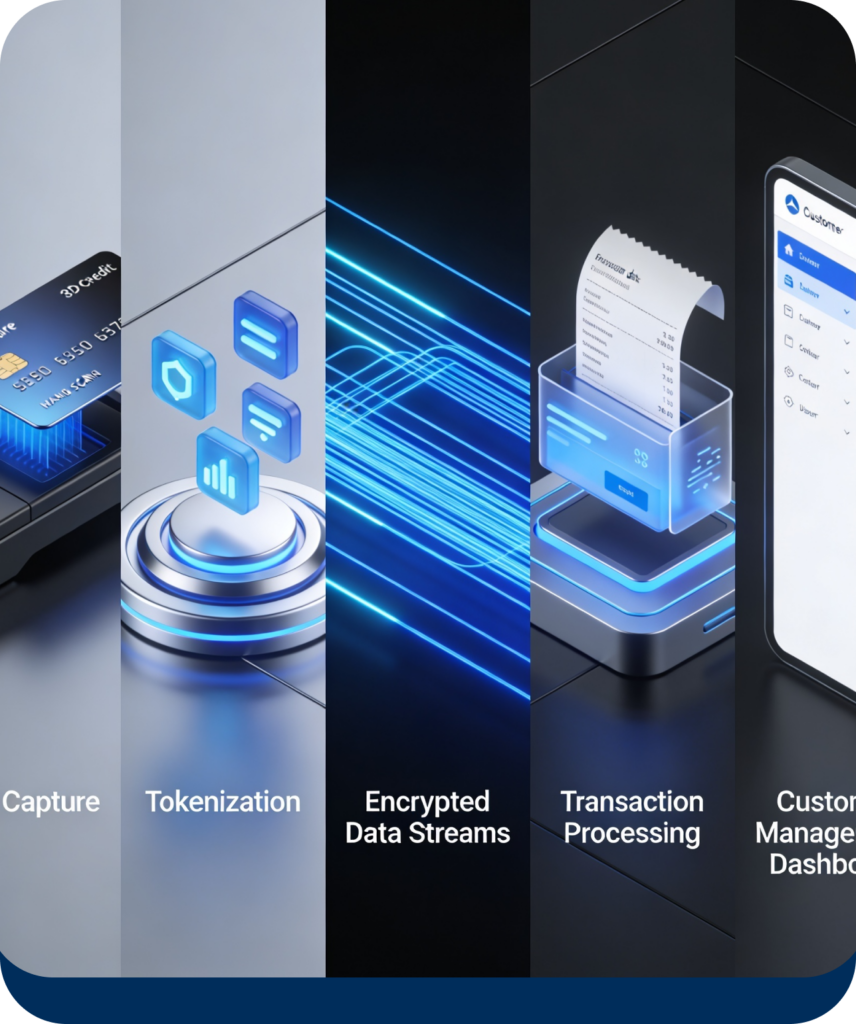
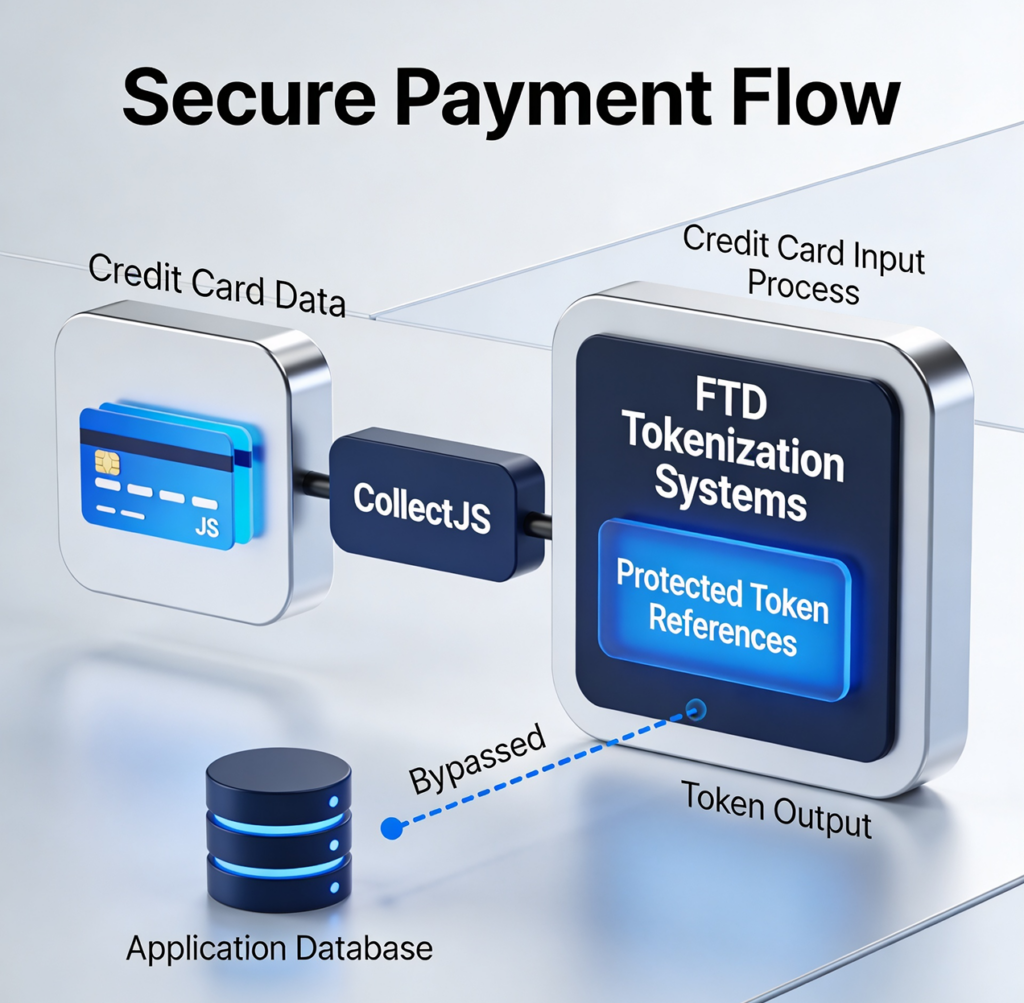
Card data is captured through gateway-native tokenization flows — CollectJS for NMI accounts, FTD for Dejavoo accounts. The actual card number never touches the CloudPay Mobile application or its database. What’s stored is a vault reference; subsequent charges use the reference, not the card.
Gateway-Vaulted Card Storage
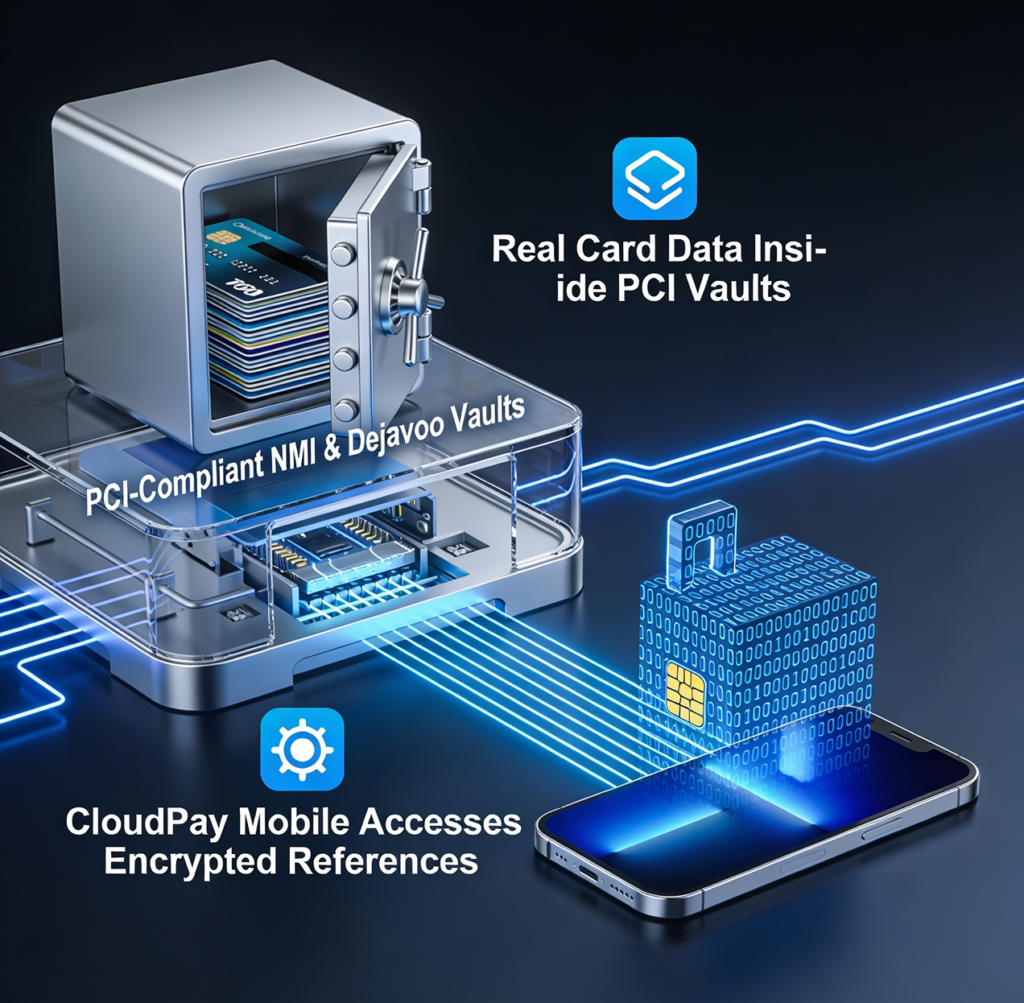
Saved cards (Card on File) live in the gateway’s PCI-compliant vault — NMI vault for NMI accounts, Dejavoo vault for Dejavoo accounts. CloudPay Mobile holds vault identifiers, not card data. This keeps storage compliant and out-of-scope for your application.
Tap to Pay Through Trusted Infrastructure
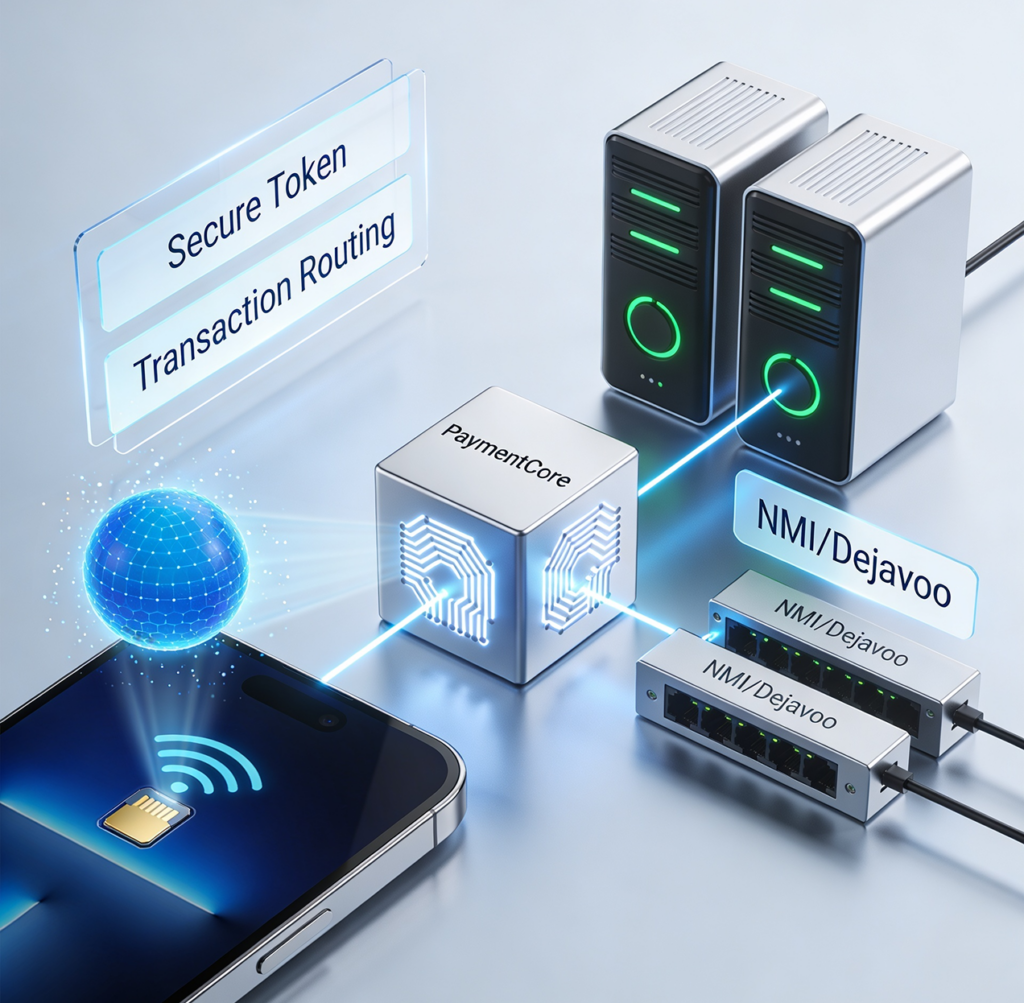
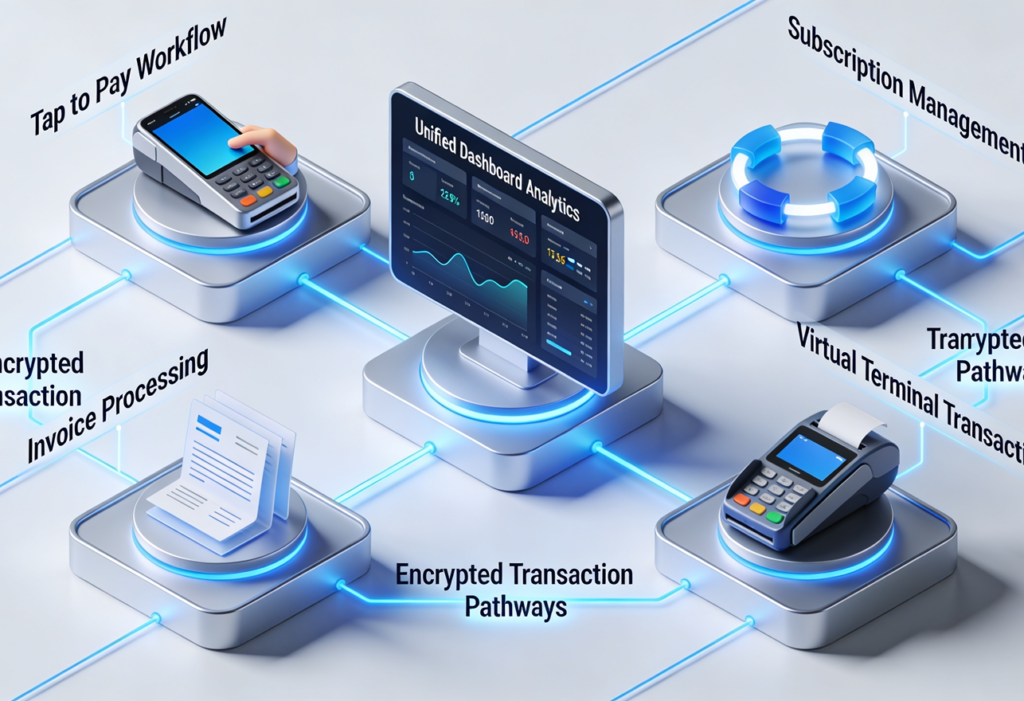
Tap to Pay on iPhone uses Apple’s Proximity Reader framework. Tap to Pay on Android uses SoftPOS via the Dejavoo IposgoSDK. Both rely on the contactless chip in the device for the read; transaction tokens flow through PaymentCore to NMI or Dejavoo.
Role-Based Access Control
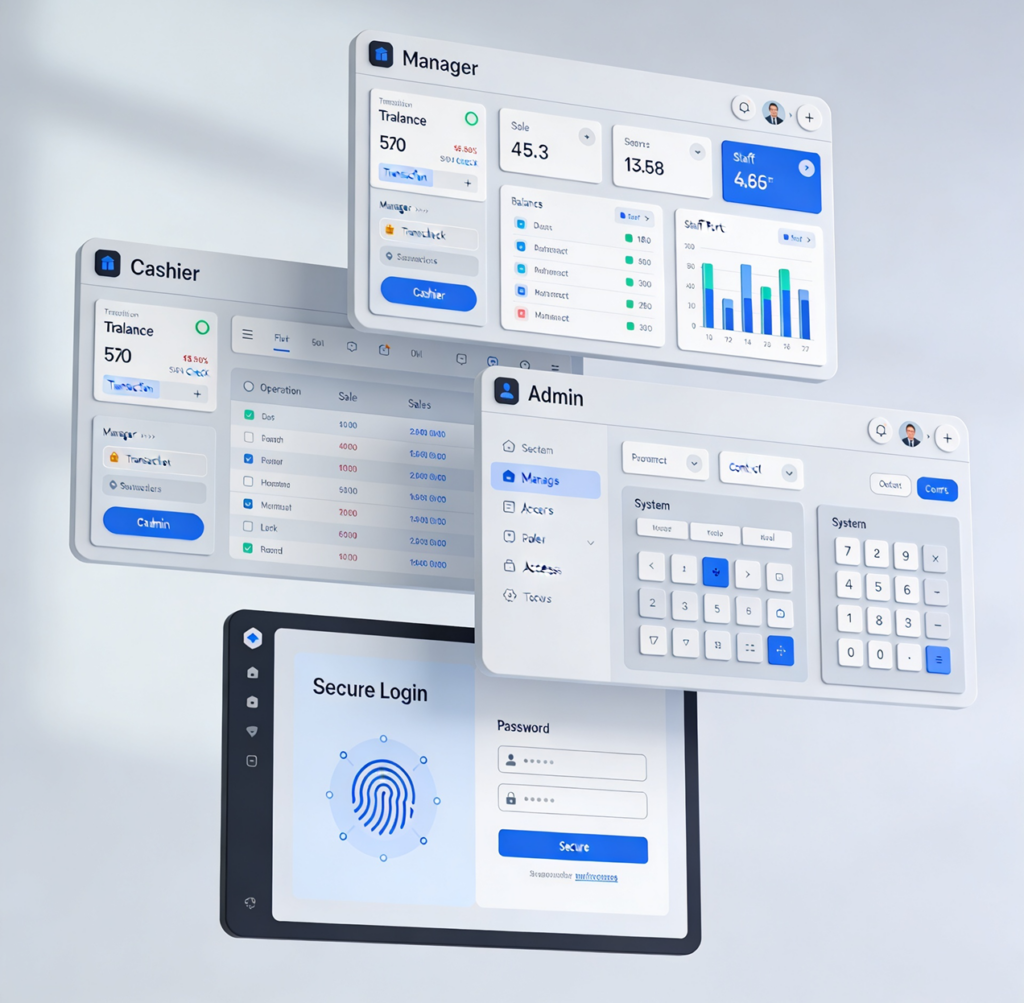
Three role levels: Admin, Manager, and Cashier. Each has scoped permissions — cashiers see Charge and Payments, managers add Reports and Settings, admins add user management. No shared logins.
Sensitive Data Redaction in Logs
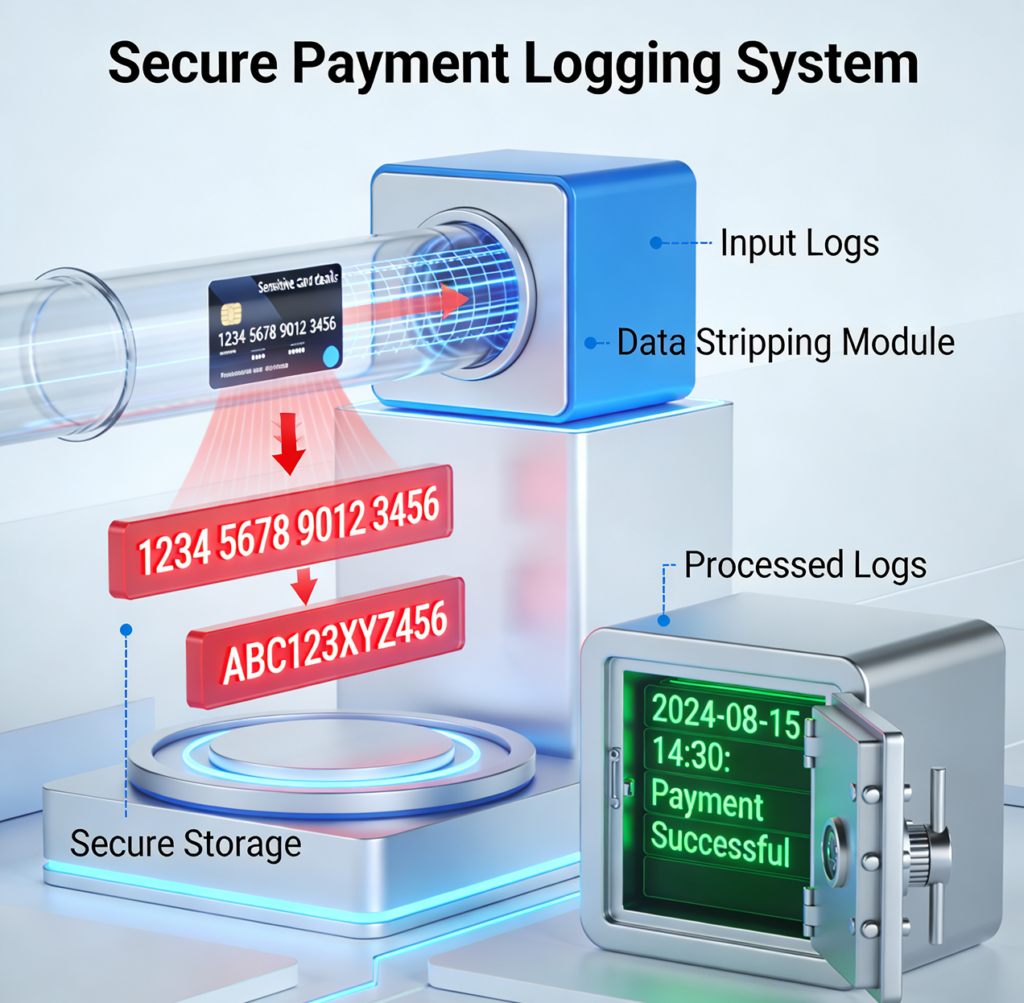
Card data, auth codes, tokens, and sensitive response fields are automatically redacted before any log line is written. Even if a developer accidentally logs a full payment response, the sensitive parts are stripped at the logging layer.
Audit Logs
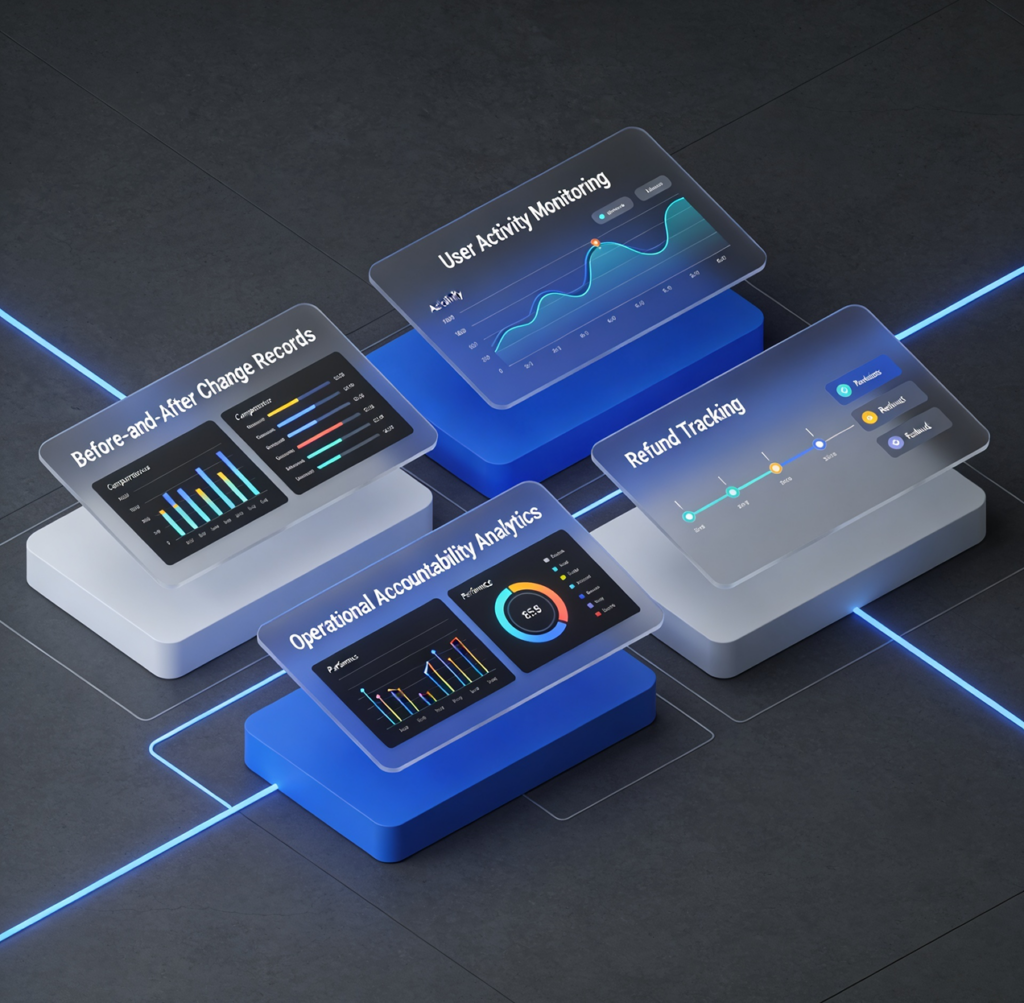
Every administrative action is logged with timestamp, actor, change details, and before/after values. Includes user role changes, settings changes, refunds, voids, and customer record edits. Useful for compliance reviews, dispute investigation, and multi-user accountability.
Crash Recovery and Idempotency
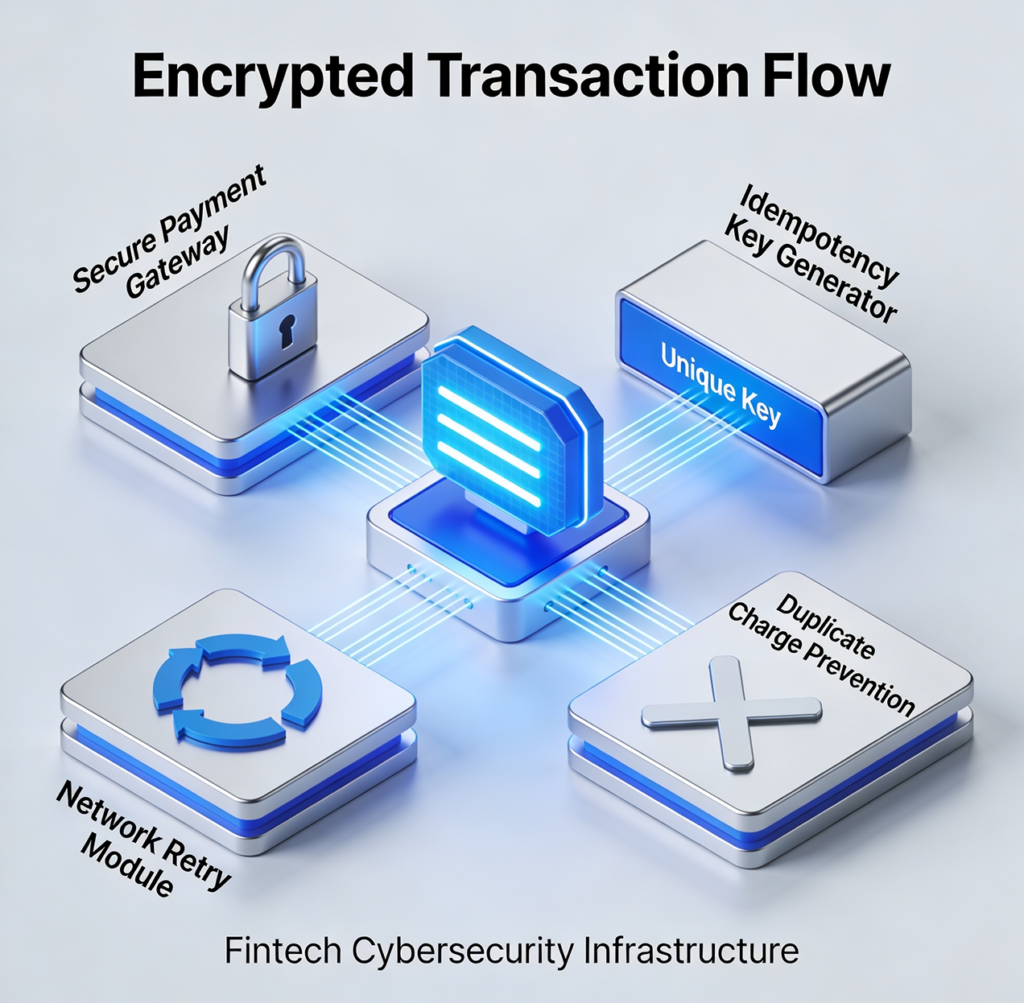
Every Tap-to-Pay transaction is tracked from the moment Pay is tapped. If the app crashes or the network fails between capture and confirmation, the transaction is recovered safely on the next launch. Unique idempotency keys per transaction prevent double-charges from network retries.
Session Management
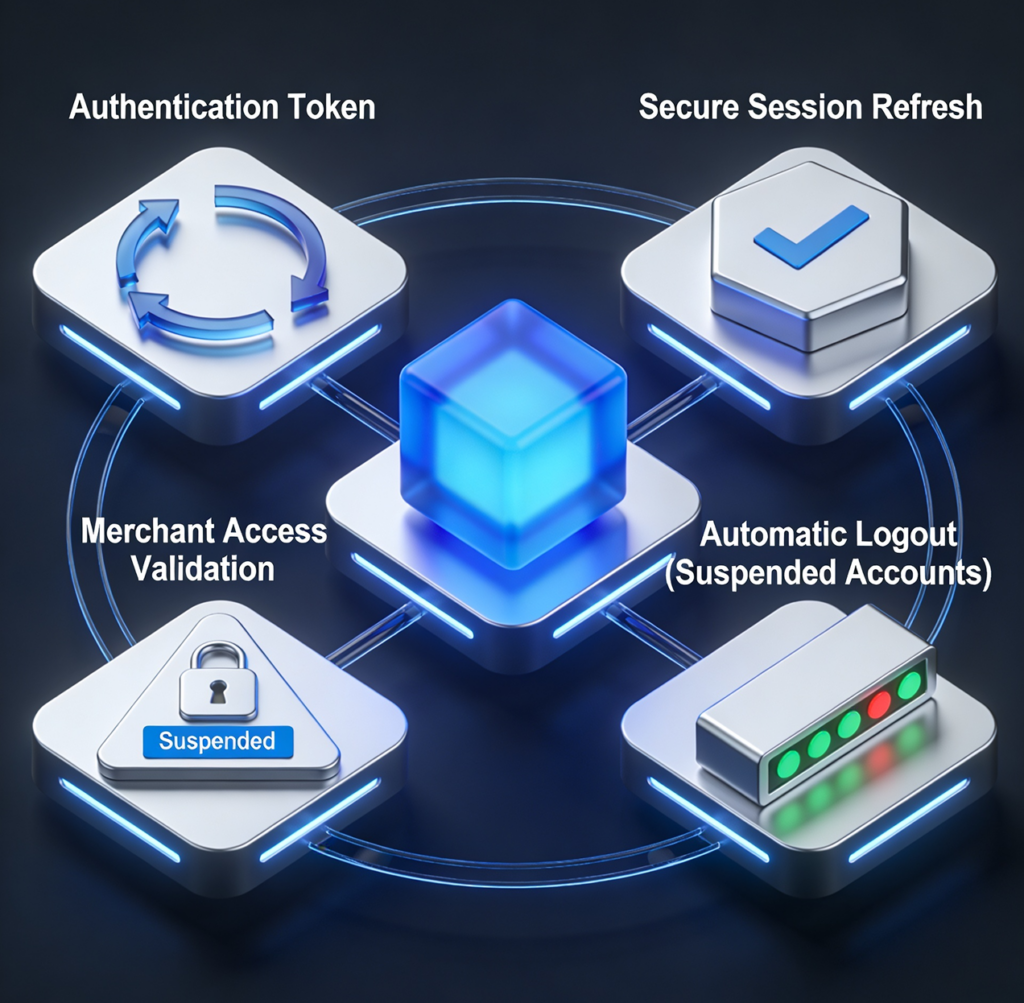
Authentication tokens have defined lifetimes with refresh flows. Suspended or deactivated merchants are kicked out at the request layer — sessions don’t survive a status change. PIN login auto-locks on app close so a misplaced device doesn’t expose payment activity.