Fast Sales, Clean Receipts, No Friction
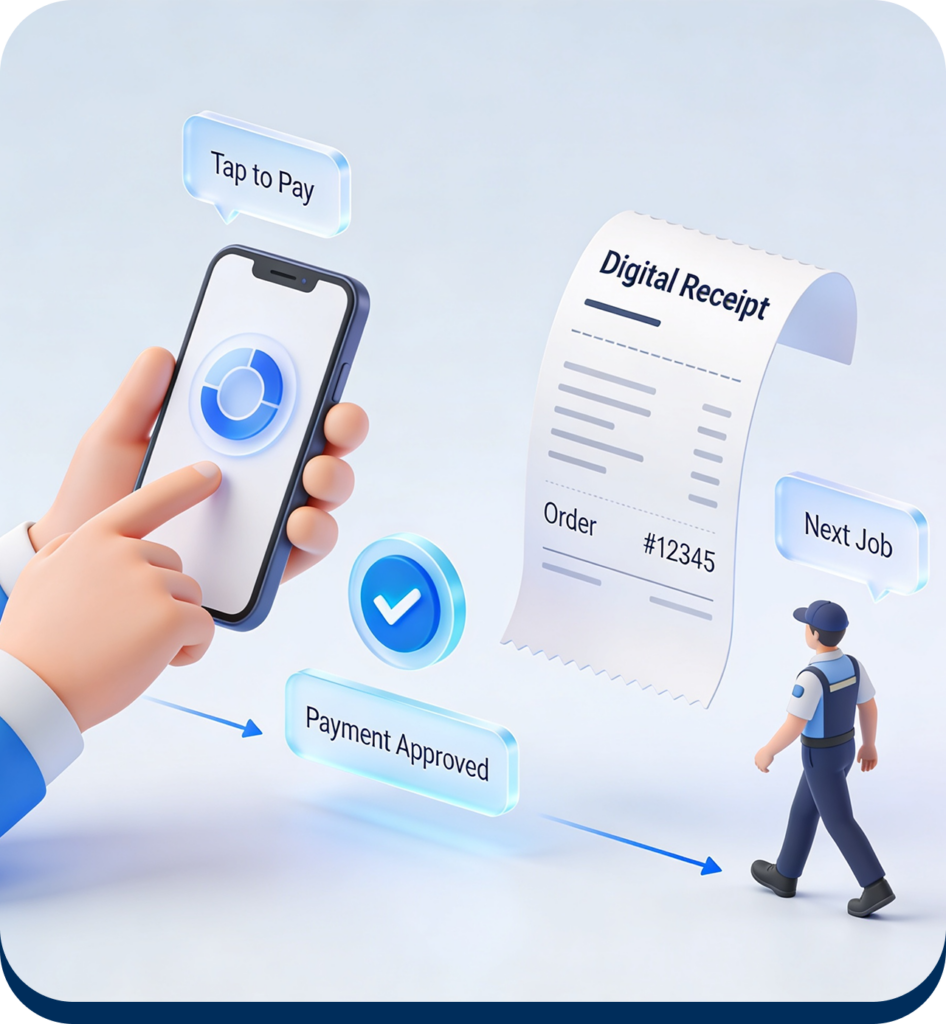
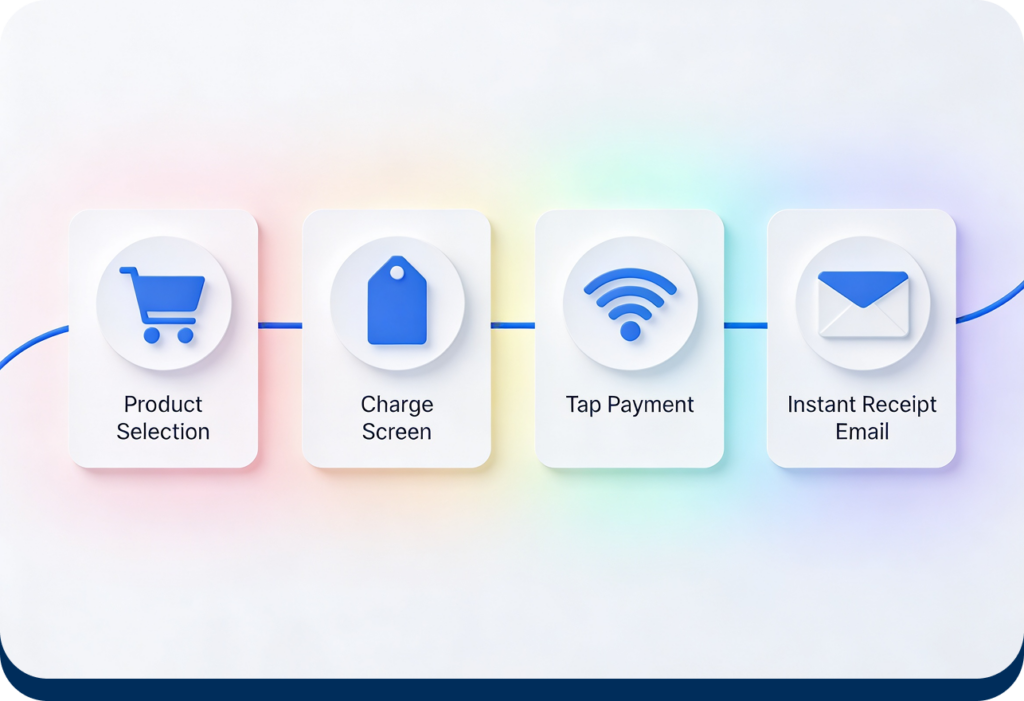
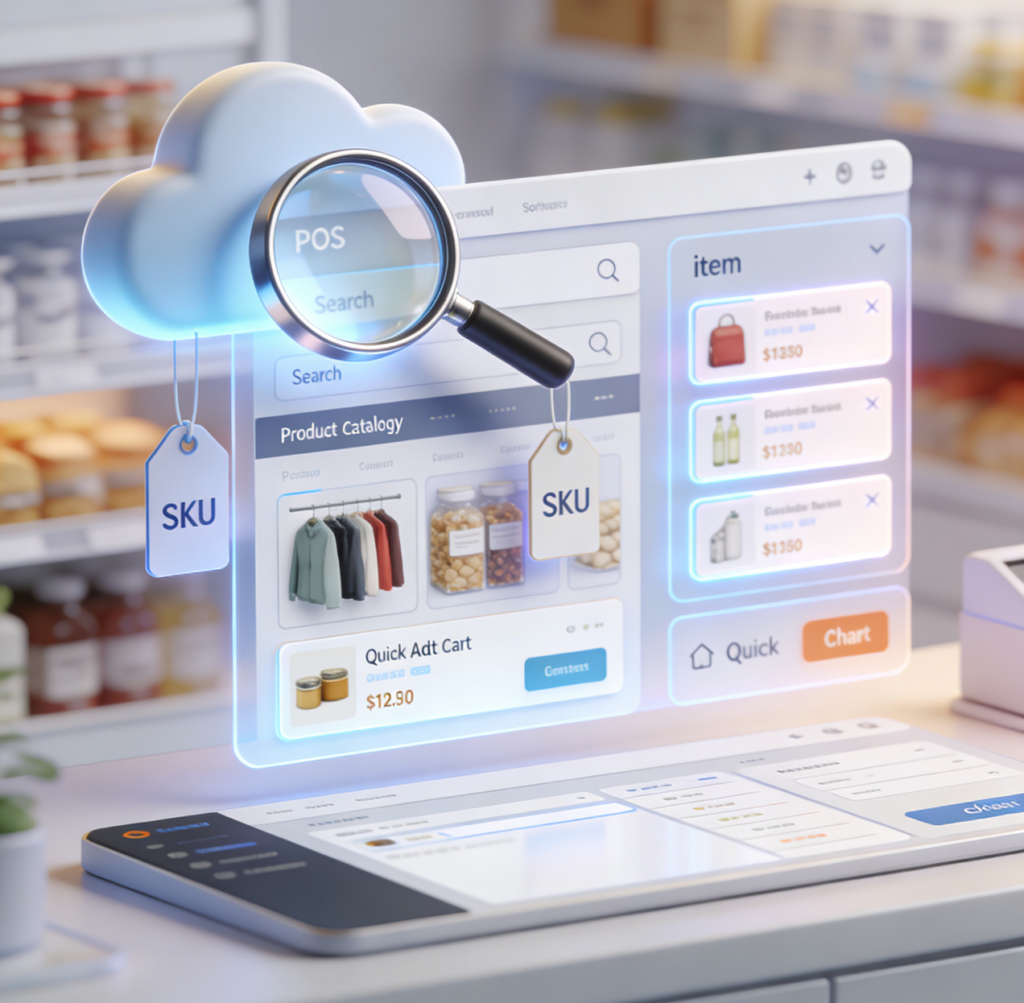
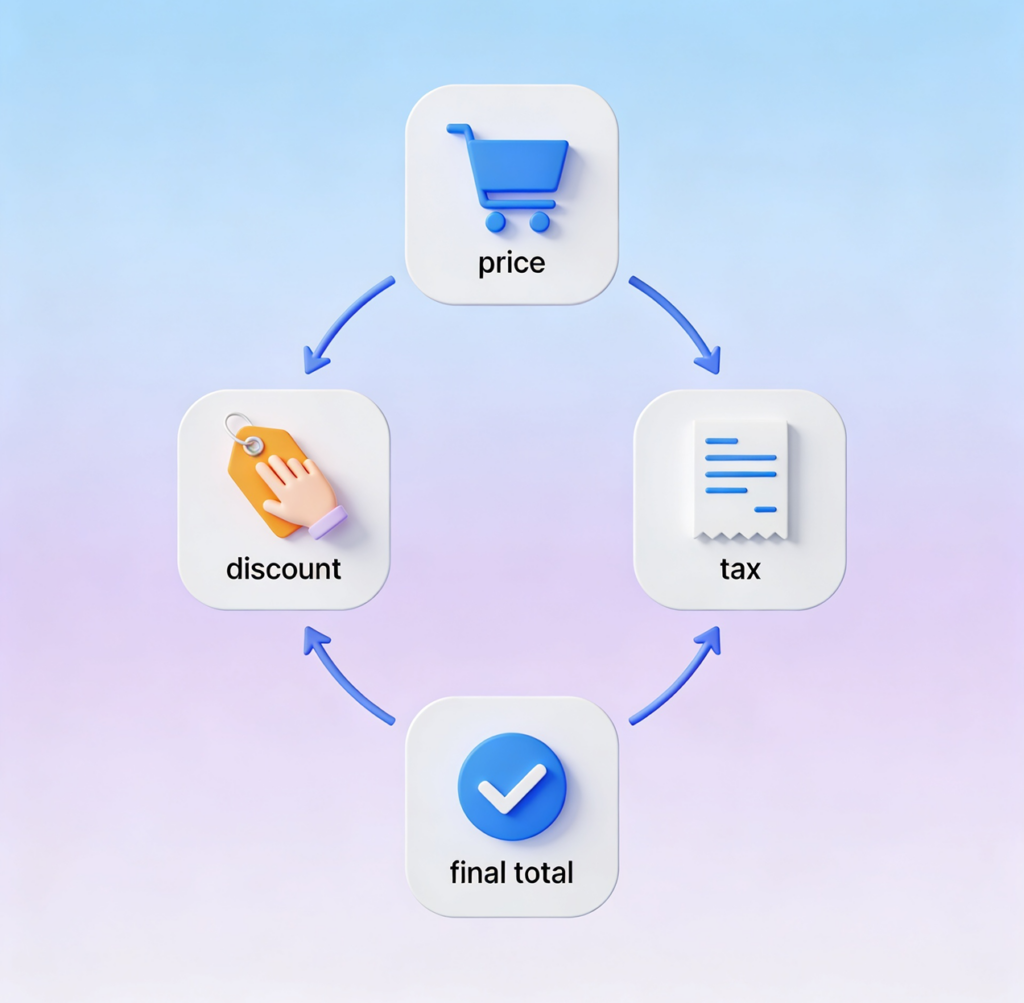
Every screen is built for one-handed use during a transaction. Open the Charge screen, enter the amount on the keypad (or tap an item from your catalog), apply tip and tax if needed, and present the phone for tap. The whole flow takes seconds.
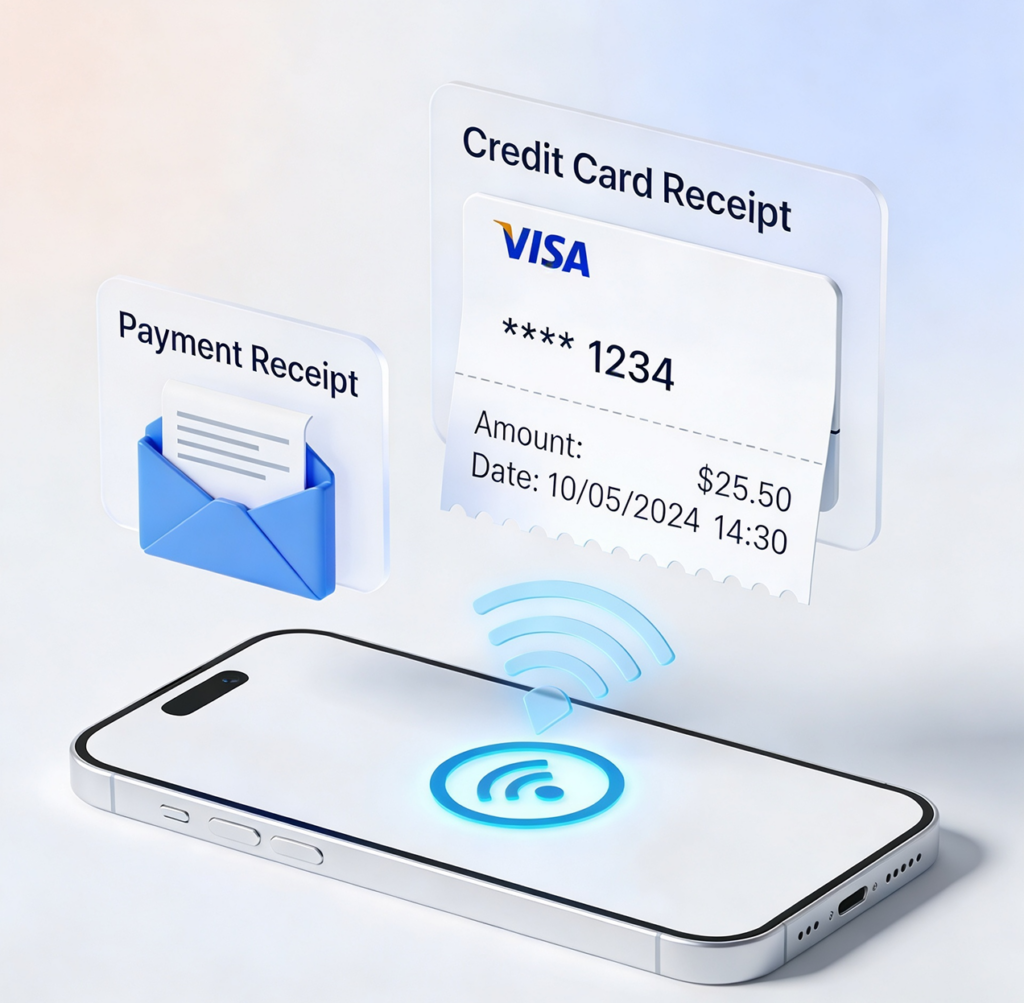
After payment, send a digital receipt to the customer by email — including transaction details, card brand and last 4 digits, and your business info. SMS receipts are coming soon.
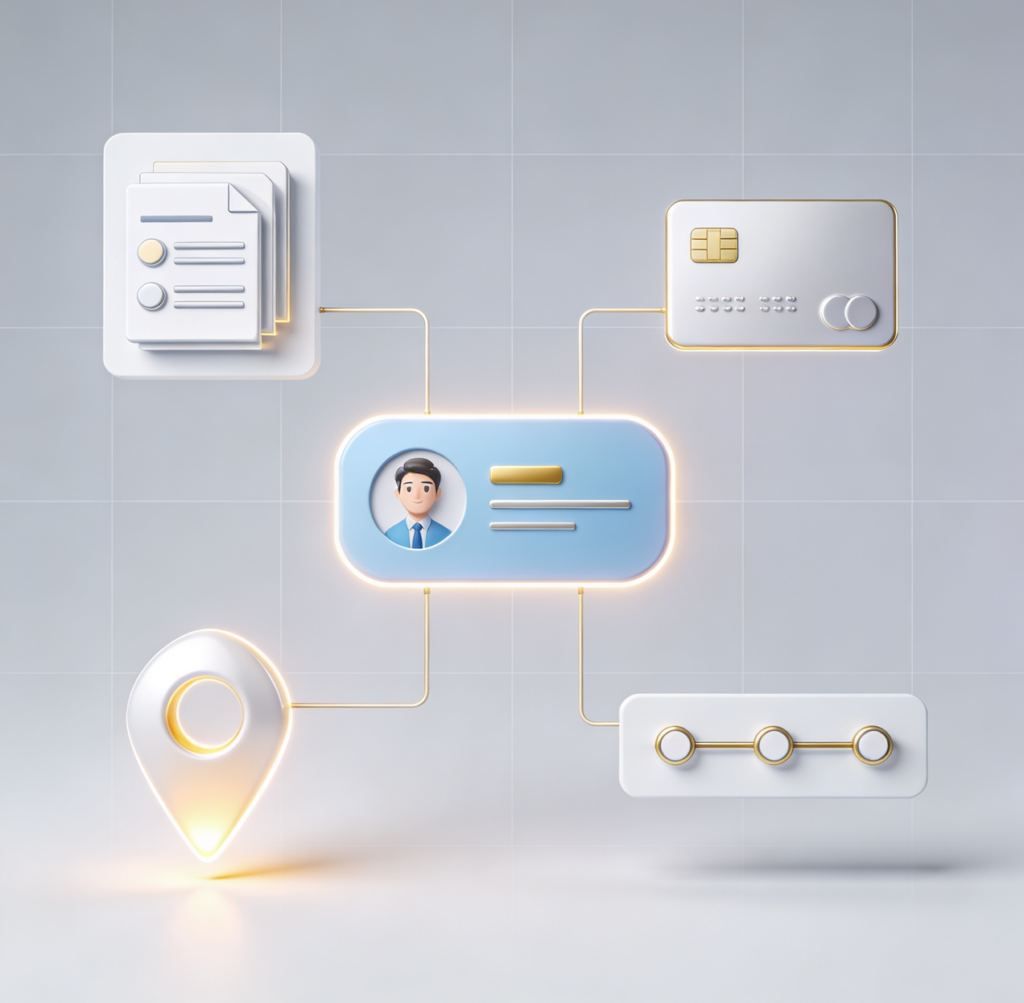
If you need to attach the sale to a customer, search and select from the Charge screen. Their saved cards become available immediately, and the transaction shows up in their purchase history the moment it settles.