CloudPay Mobile

Embed CloudPay Mobile
Payments Into Your Platform

A real, documented REST API with Swagger docs, role-based auth, and 65+ endpoints. Build payments into your product without standing up your own gateway integration.
CloudPay Mobile is built on a documented public API hosted at app.cloudpaymobile.io. Technology partners — POS systems, vertical SaaS, ERP and CRM platforms — can embed payment capabilities directly into their product instead of building gateway integrations themselves. JWT AUTH, role-based access, and full coverage of items, customers, transactions, invoices, subscriptions, payment links, and Tap to Pay.

Cloud Pay Mobile

A Real API. Real Documentation. Real Endpoints.

Most processor APIs are either legacy (XML, manual auth, sparse documentation) or theoretical (a partner page that promises an integration without showing what you’d actually call). CloudPay Mobile sits in neither bucket. The API is REST, JSON, with Swagger documentation auto-generated from the live deployment. Auth is JWT with role-based access. There are 65+ endpoints across the major resource categories. You can read the docs, sign up a sandbox account, and start integrating.
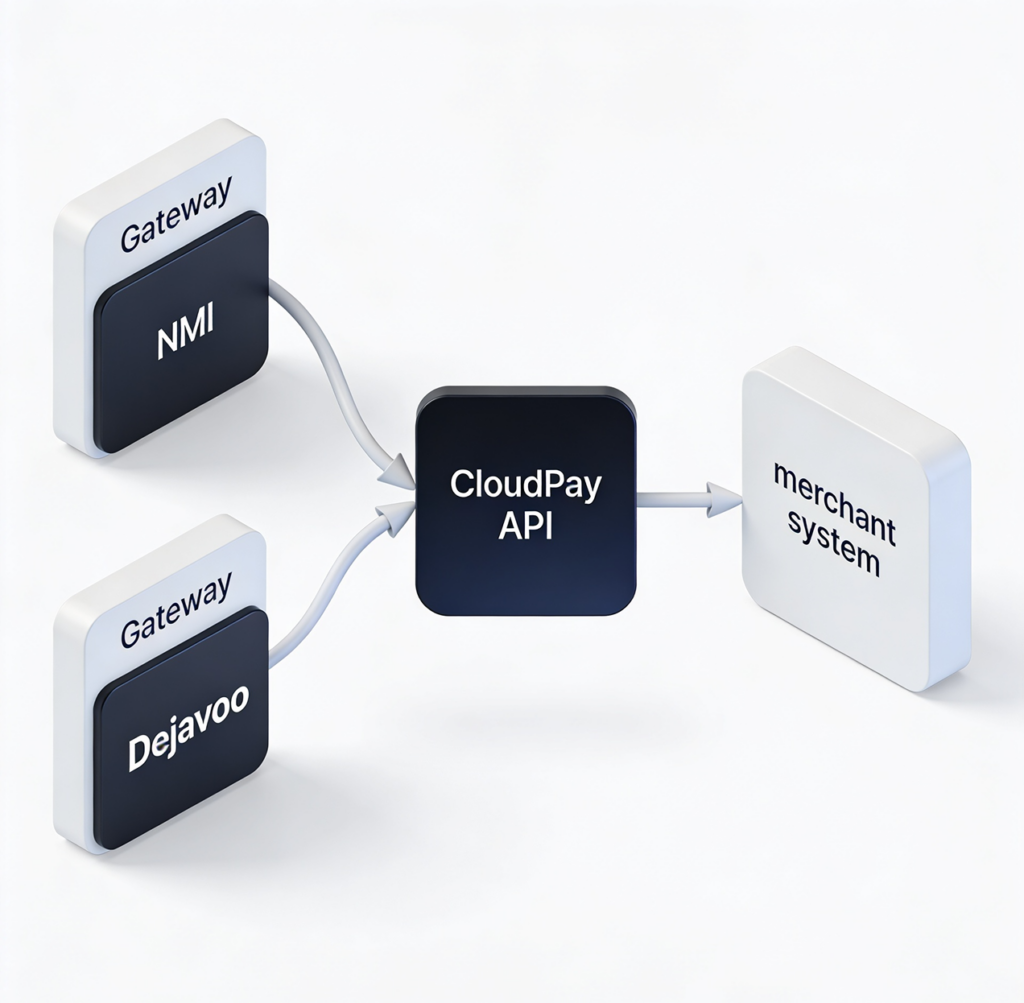
Behind the API, Host Merchant Services handles the processing — both NMI and Dejavoo gateways are supported via the PaymentCore service. Your platform integrates once; merchants on either gateway can use your integration.

What You Can Build

Cloud Pay Mobile

Documented REST API

Base URL: app.cloudpaymobile.io/cloudpay/api/v1. Swagger docs at app.cloudpaymobile.io/api-doc. JWT authentication with role-based access control (admin, manager, user, superadmin). Full CRUD coverage for the major resources.

Cloud Pay Mobile

Resource Coverage

Items, Customers, Transactions, Invoices (8 endpoints), Subscriptions (8 endpoints), Payment Links (4 endpoints), Tap to Pay (7 endpoints — Dejavoo and NMI both supported), Staff/Users (5 endpoints), Settings, Locations, Batches, Receipts. Auth/login/registration flows for embedded onboarding.

Cloud Pay Mobile

Sandbox and Demo Mode

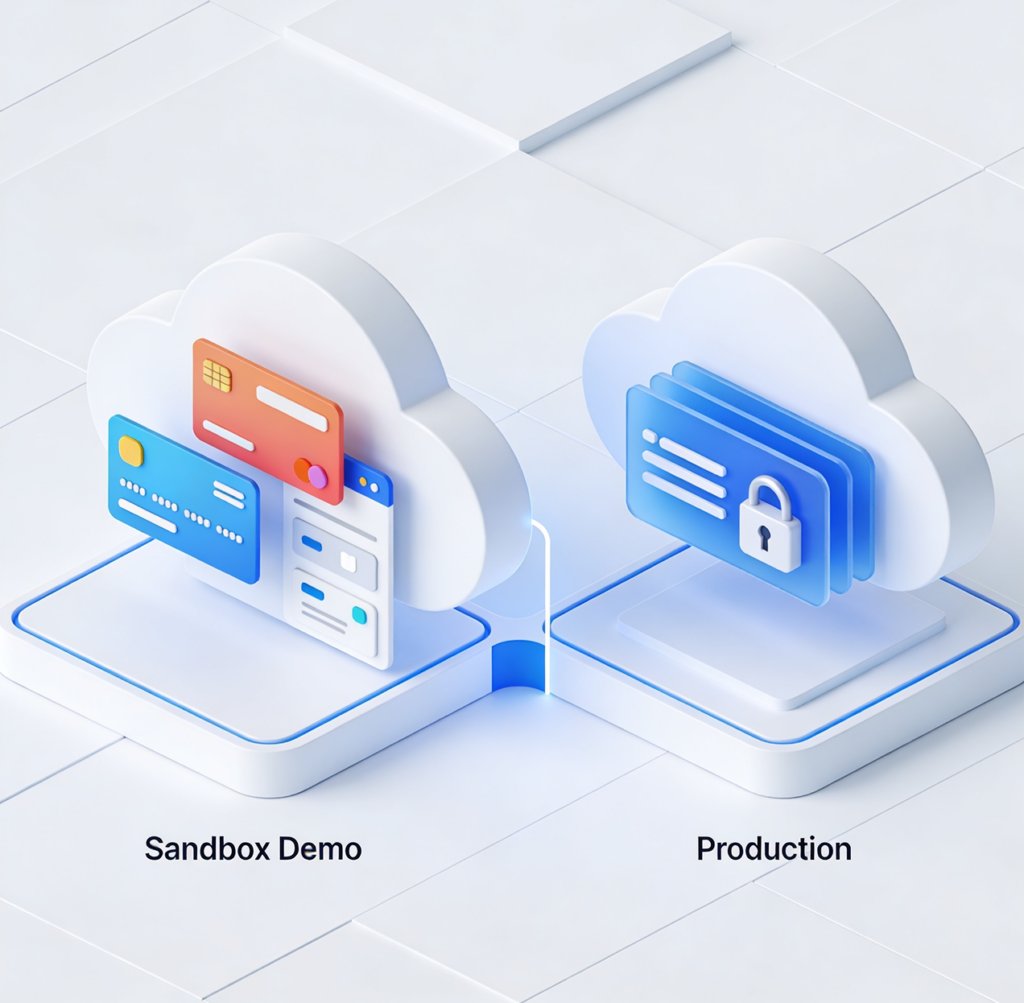
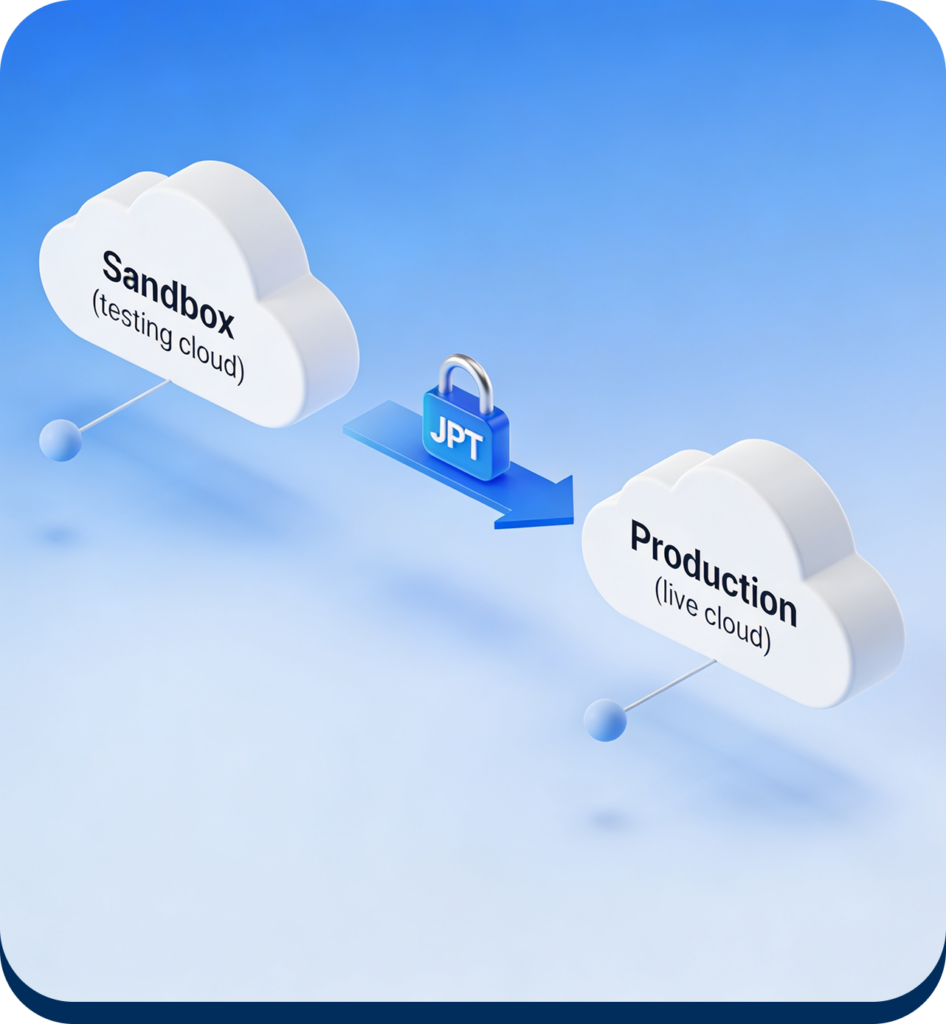
CloudPay supports demo merchants out of the box — register an account and you get a sample-data sandbox immediately. Production activation goes through a normal merchant application flow.
Cloud Pay Mobile

Two Gateways, One Integration

Whether your downstream merchant is on NMI or Dejavoo, your platform talks to the same CloudPay API. The PaymentCore service abstracts the gateway-specific details. Your code doesn’t change.
Cloud Pay Mobile

Webhooks and Real-Time Sync

Transactions, status changes, and merchant data are queryable through the API in real time. Reporting on the merchant side and your platform side can stay in sync without manual reconciliation.

From First API Call to Live Integration

The technical path is straightforward: review the Swagger docs, register a sandbox merchant, build against demo mode, then move to production via the merchant activation flow. Standard OAuth-style JWT auth, standard REST patterns, no proprietary protocols.
Specific tech-partner program terms — sandbox limits, support tier, co-marketing, revenue share on referred merchant volume — are finalized during the partnership conversation. Different platforms warrant different setups depending on integration depth and merchant volume.
Cloud Pay Mobile

Let's Talk About Partnering

Tell us about your business and we’ll follow up within one business day.
Cloud Pay Mobile

Partner Form

This field is for validation purposes and should be left unchanged.
Your name

Build Payments Into Your Platform

Read the API docs, sign up a sandbox account, and start integrating. When you’re ready to talk about
the partnership side, we’ll set up a call to walk through the specifics.