CloudPay Mobile

See Your Business Clearly.
Take Payments From Anywhere.

The CloudPay Mobile dashboard is the web side of your business — view every transaction, manage customers, take payments from your browser, and run reports, all in one place.
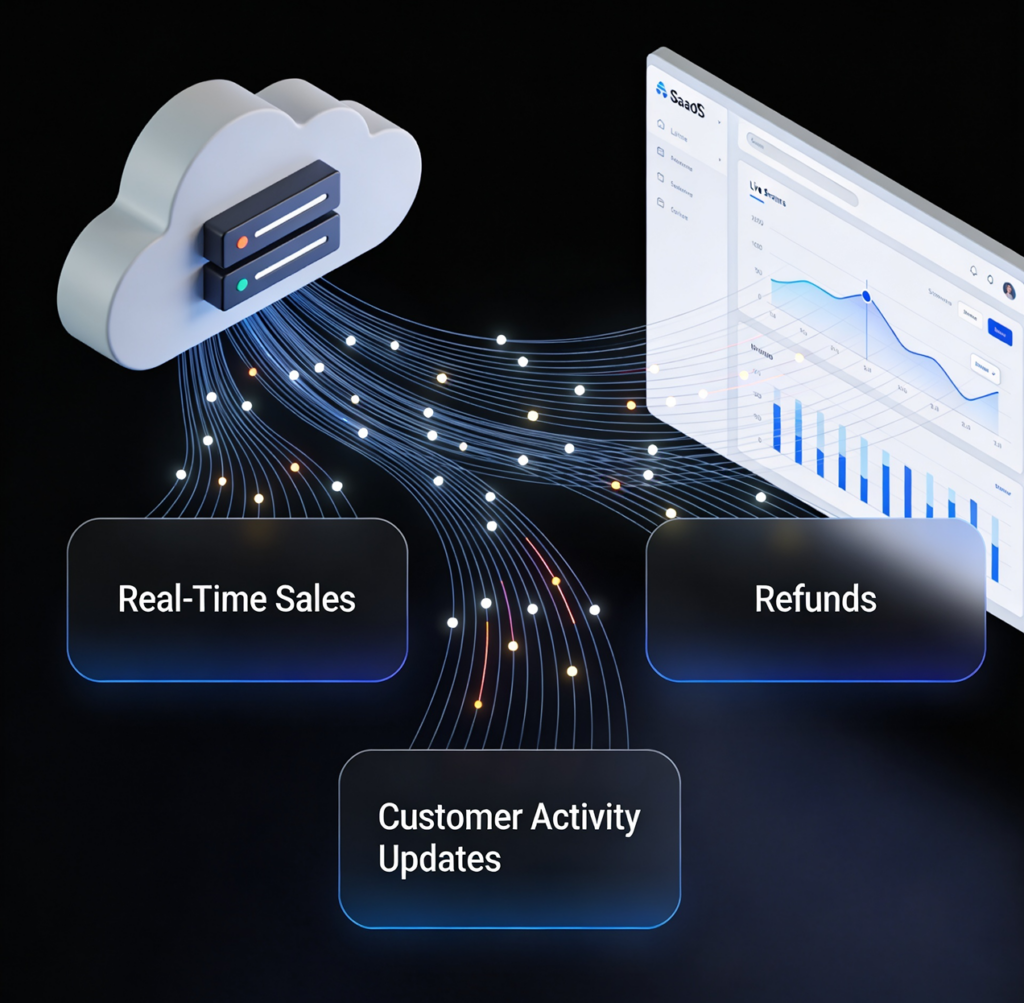
Open any browser, sign in to your CloudPay Mobile dashboard, and you’re in. Sales from your phone, your tablet, your payment links, and your virtual terminal all flow into the same view in real time. No syncing, no switching, no second system.
Cloud Pay Mobile

Your Business, Organized in One Place

Running a business takes more than processing payments. You need a single place to see what’s happening, who’s buying, and what’s working.
The CloudPay Mobile dashboard pulls every transaction, customer, and product into one organized interface. Every payment processed through CloudPay Mobile App or CloudPay Mobile POS appears here in real time. There’s no separate sync, no end-of-day reconciliation, and no second system to check.
Whether you’re reviewing today’s sales from your office or pulling a 90-day report for your accountant, the data is structured, accurate, and ready to use.

Built for Daily Retail Workflows

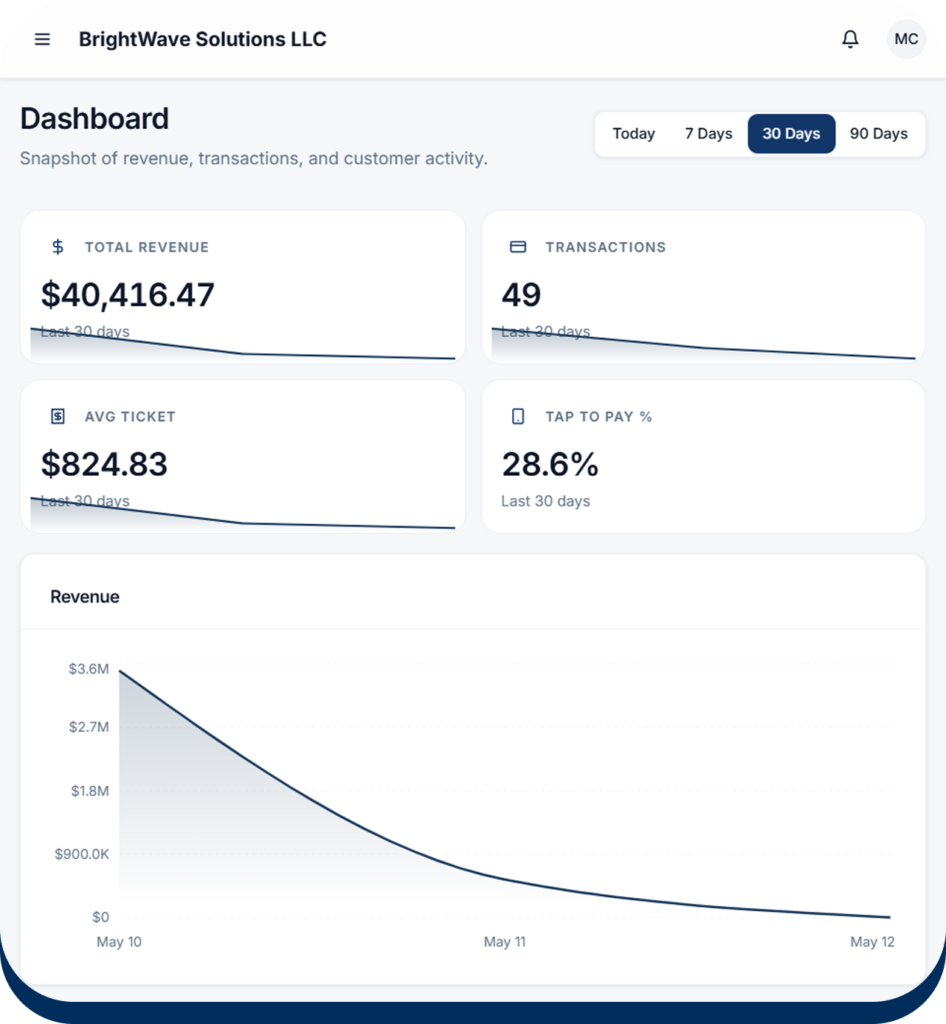
Sales Overview

View revenue, transaction counts, and average ticket size across Today, 7 Days, 30 Days, or 90 Days. Switch periods instantly to compare performance and spot trends.

Transaction Management

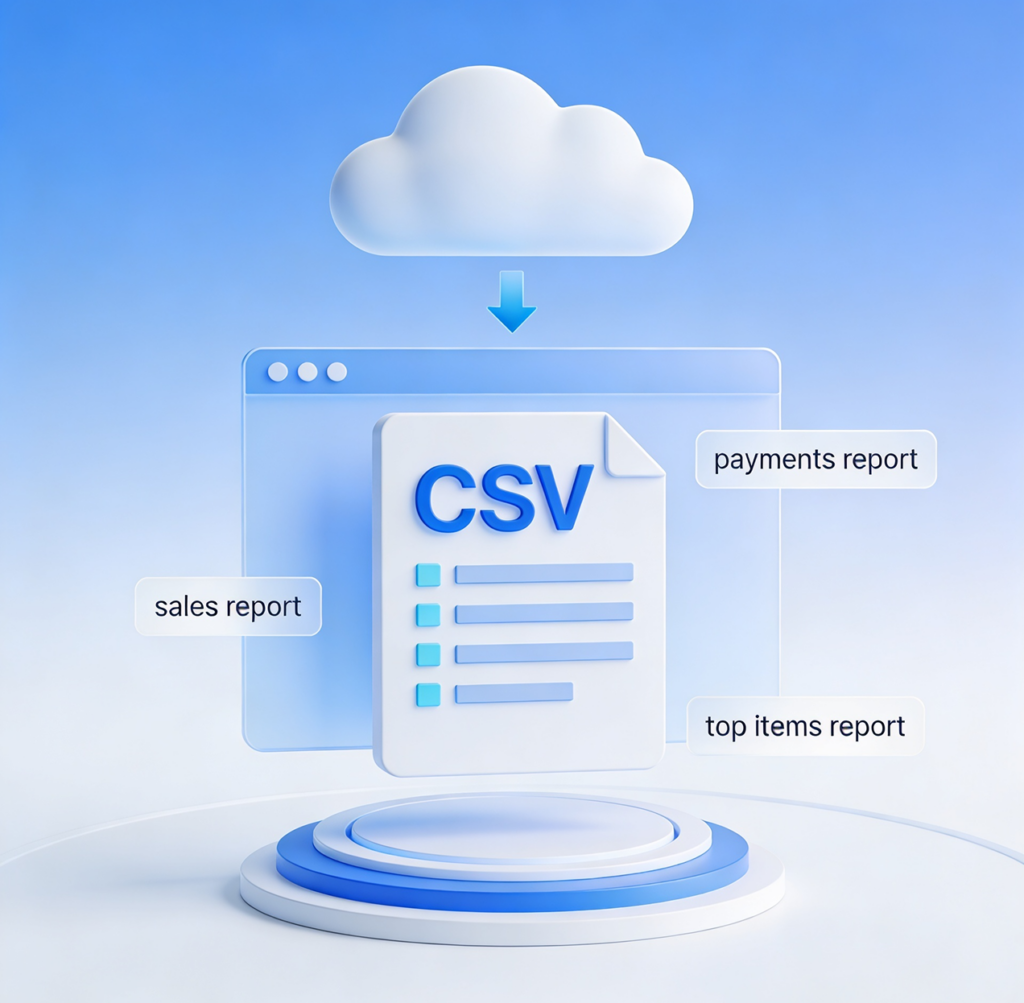
Search and filter every sale, refund, and void with full detail. View payment method, staff member, customer, and gateway response. Export the full history to CSV when you need it.

Customer Insights

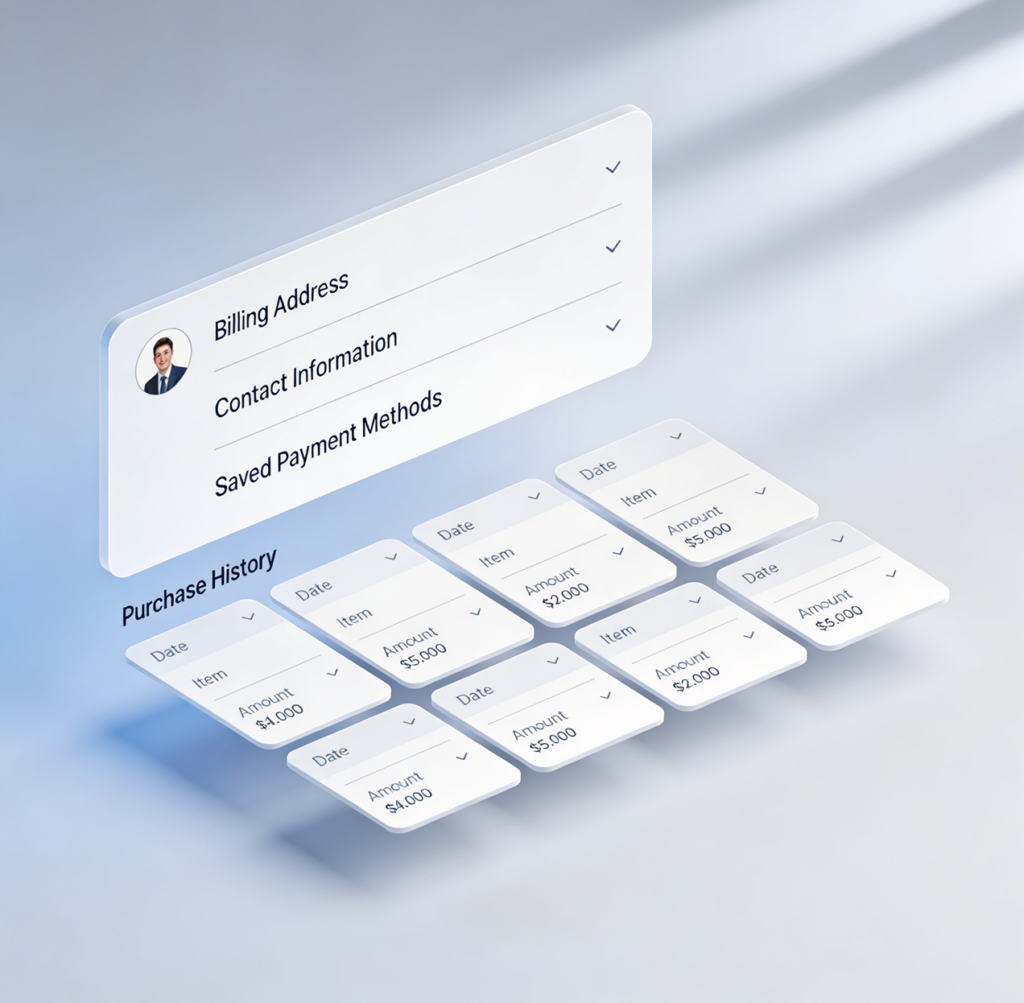
Open any customer to see their full purchase history, total lifetime spend, transaction count, and saved cards. Every metric is computed live from your transaction data — no stale counters.

Top Items

See which products are driving your revenue. The Reports view ranks items by sales volume so you can lean into what’s working.

A Virtual Terminal Built Into the Dashboard

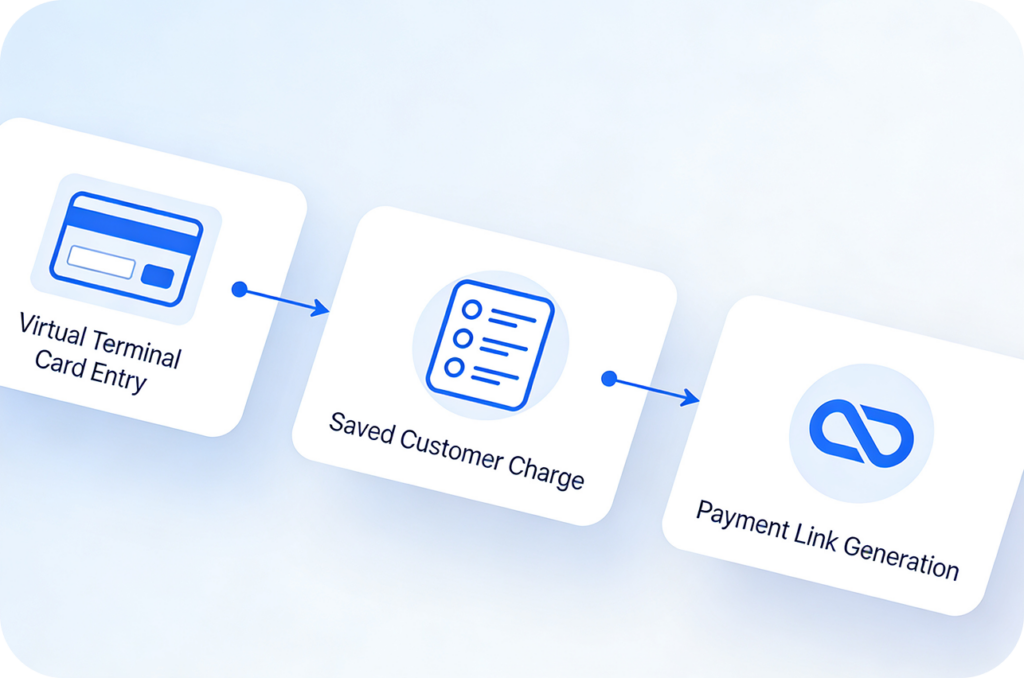
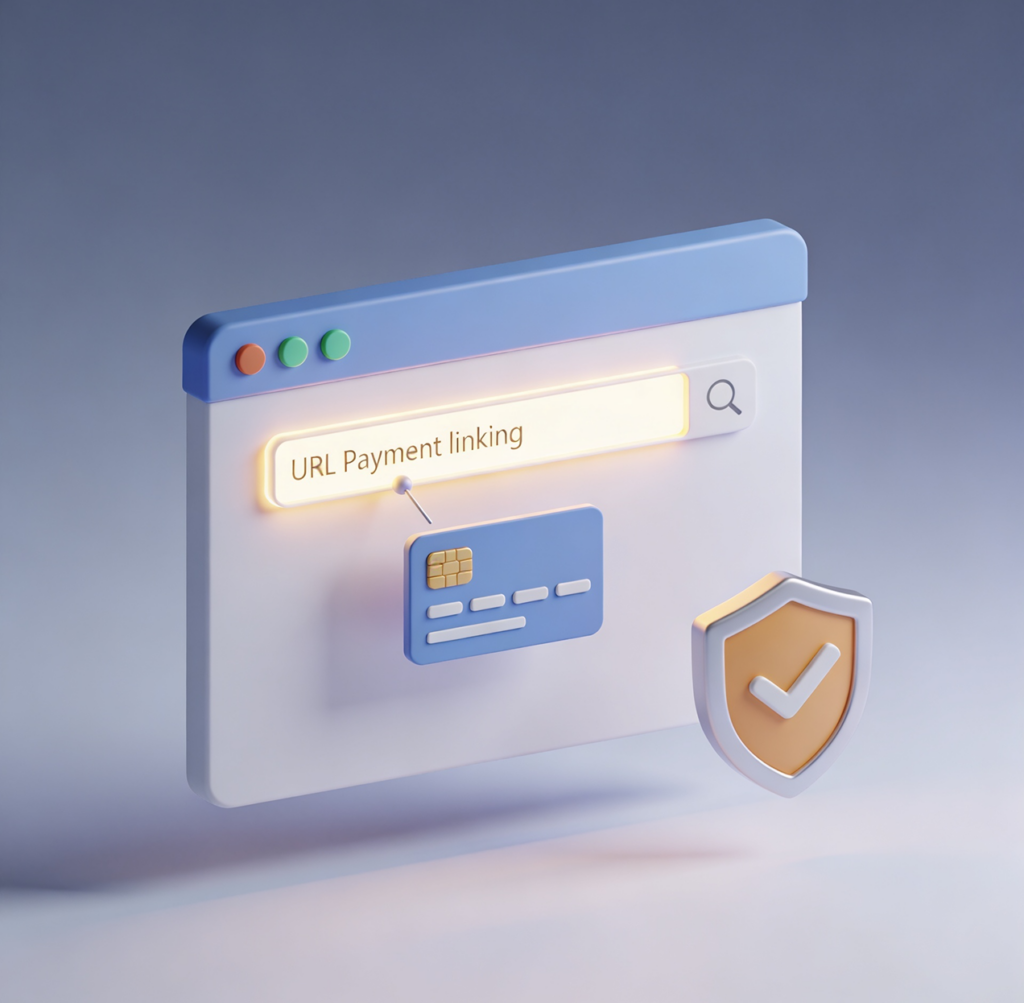
The dashboard isn’t just for reporting — it’s also a fully functional payment tool. From any browser, you can take a payment by entering card details, charging a saved customer’s card on file, or generating a payment link to send.
Useful for phone orders, remote billing, deposits, and any sale that doesn’t happen in person. Every transaction logged through the browser shows up alongside your in-person sales, attributed to the staff member who processed it.
Cloud Pay Mobile

Built for the Way You Work

Cloud Pay Mobile

Real-Time Updates

Sales, refunds, and customer activity appear the moment they happen. No batch delay, no manual refresh.
Cloud Pay Mobile

Browser-Based Payments

Take a payment without picking up your phone. Manual card entry, saved card charges, and payment link generation, all from the browser.
Cloud Pay Mobile

Refunds and Voids

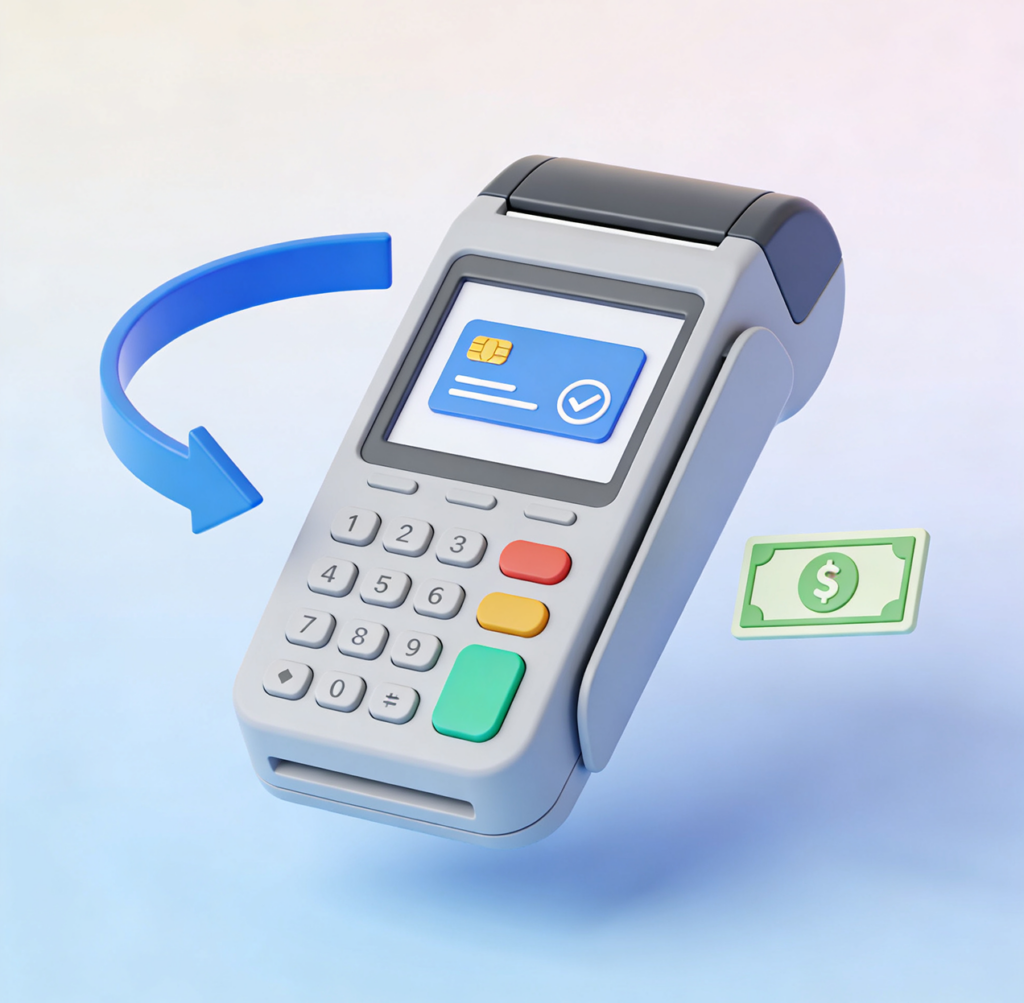
Reverse card transactions and cash sales directly from the Transaction Details view. Reason codes and approver tracking included.
Cloud Pay Mobile

Customer Records

Maintain organized profiles with billing addresses, contact details, saved cards, and full purchase history.
Cloud Pay Mobile

Staff & Audit Logs

Every admin action is logged with timestamp, actor, and change details — useful for compliance and dispute investigation.
Cloud Pay Mobile

Exportable Reports

Download Sales Summary, Payment Methods, and Top Items reports as CSV for accounting or external analysis.

One Login. One View.
The Whole Business.

The CloudPay Mobile dashboard is included with every account — no separate setup, no extra cost.