CloudPay Mobile

Turn Your Phone Into
a Payment Terminal

A complete fixed-location point-of-sale experience that runs on a tablet — built for retail, cafés, and service counters.
CloudPay Mobile POS gives your business a structured, multi-staff checkout experience designed for fixed locations. Catalog-driven sales, role-based staff access, and full reporting— without buying or maintaining a traditional POS terminal.
Cloud Pay Mobile

A POS Designed for Tablet-First Counters

Traditional POS hardware is expensive to buy, expensive to replace, and locked to a single vendor’s ecosystem. CloudPay Mobile POS runs on the tablet you already own — or a low-cost iPad or Android tablet you’d buy anyway — and gives your team the same structured checkout experience without the hardware tax.
Cashiers get a focused, simplified interface designed for high-volume use. Managers and admins get back-office tools — staff management, reporting, settings — accessible from the same app. One install, three role experiences.

Built for Daily Retail Workflows

Catalog-Driven Checkout

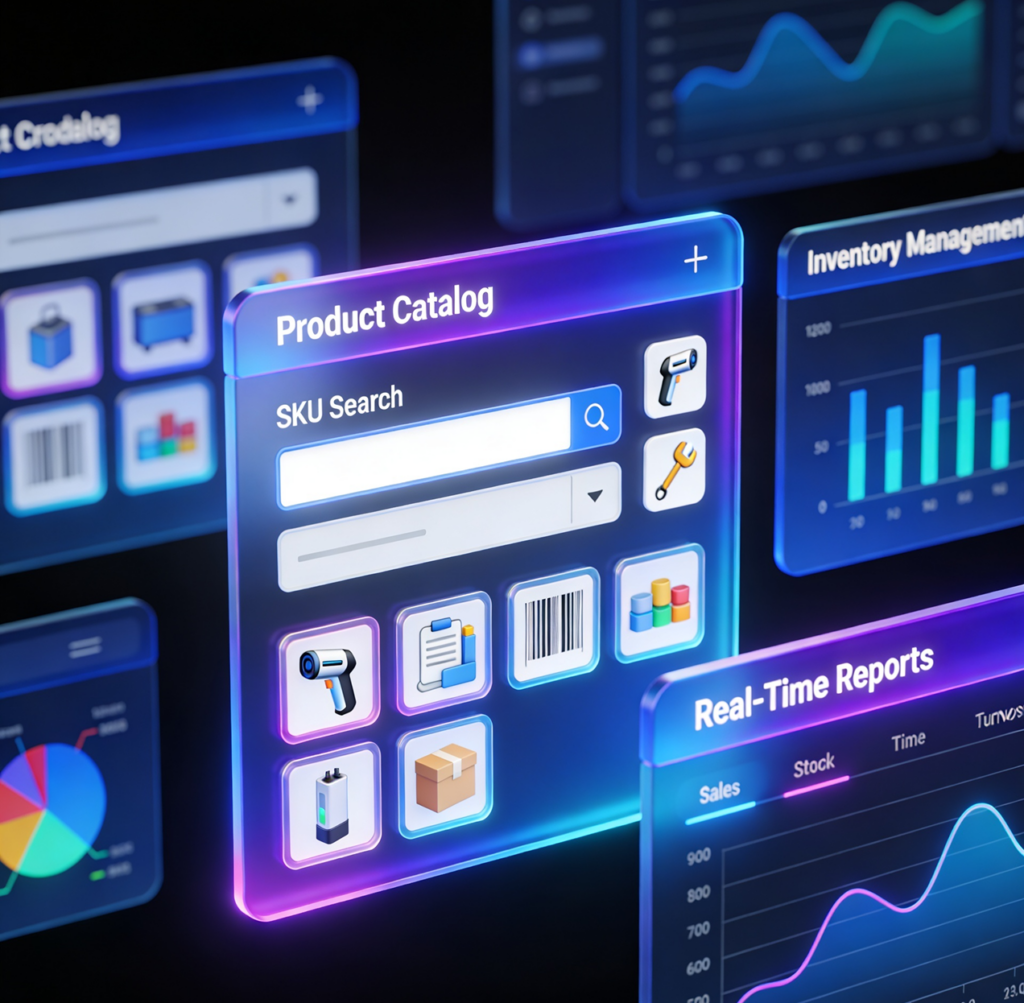
Tap an item to add it to the sale. Search by name, SKU, or category. Apply taxes, tips, and discounts as the order builds. The cart bottom sheet keeps the running total visible the entire time.

Inventory Tracking

Optionally track stock levels per item. Visual indicators show low and out-of-stock states so cashiers can flag issues before customers do.

Multi-Staff with Roles

Add cashiers, managers, and admins. Each role gets the right level of access — cashiers see Charge and Payments, managers see Reports and Settings, admins see everything. Staff are invited by email; no shared logins.

Cashier-Focused Interface

The cashier role gets a simplified bottom-tab interface that hides admin-only screens. Less distraction, less training time, fewer accidental setting changes mid-shift.

Consistent Sales, Less Drift

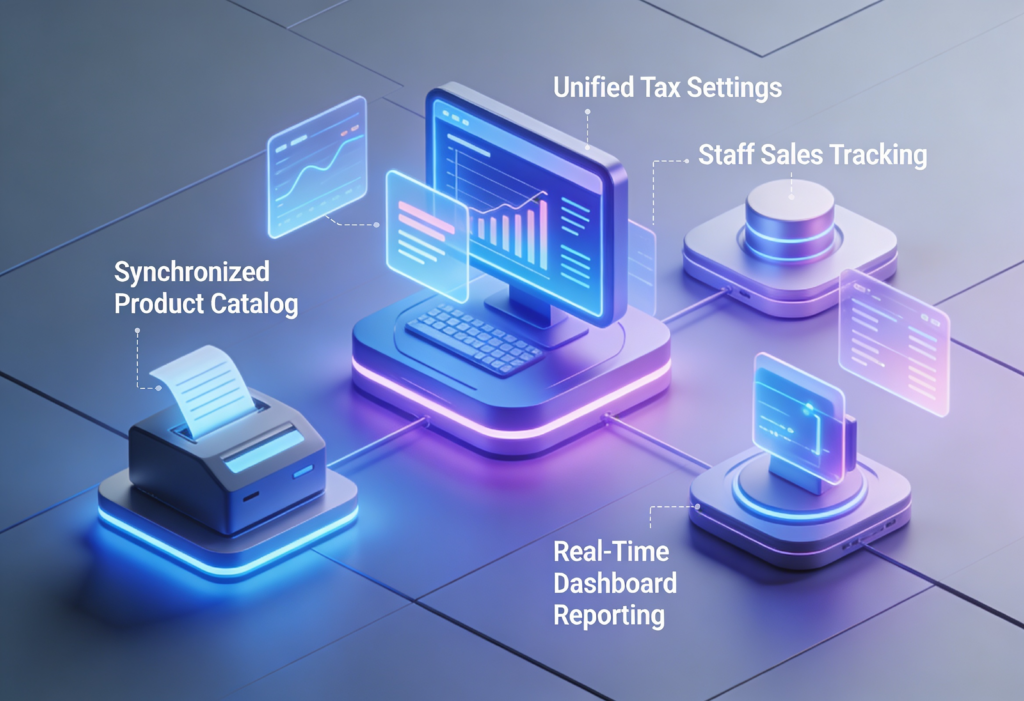
When everyone on your counter follows the same checkout flow, your reporting stays clean and your customer experience stays predictable. CloudPay Mobile POS enforces that consistency by design: the catalog is centralized, tax and tip settings are admin-controlled, and every sale records who processed it.
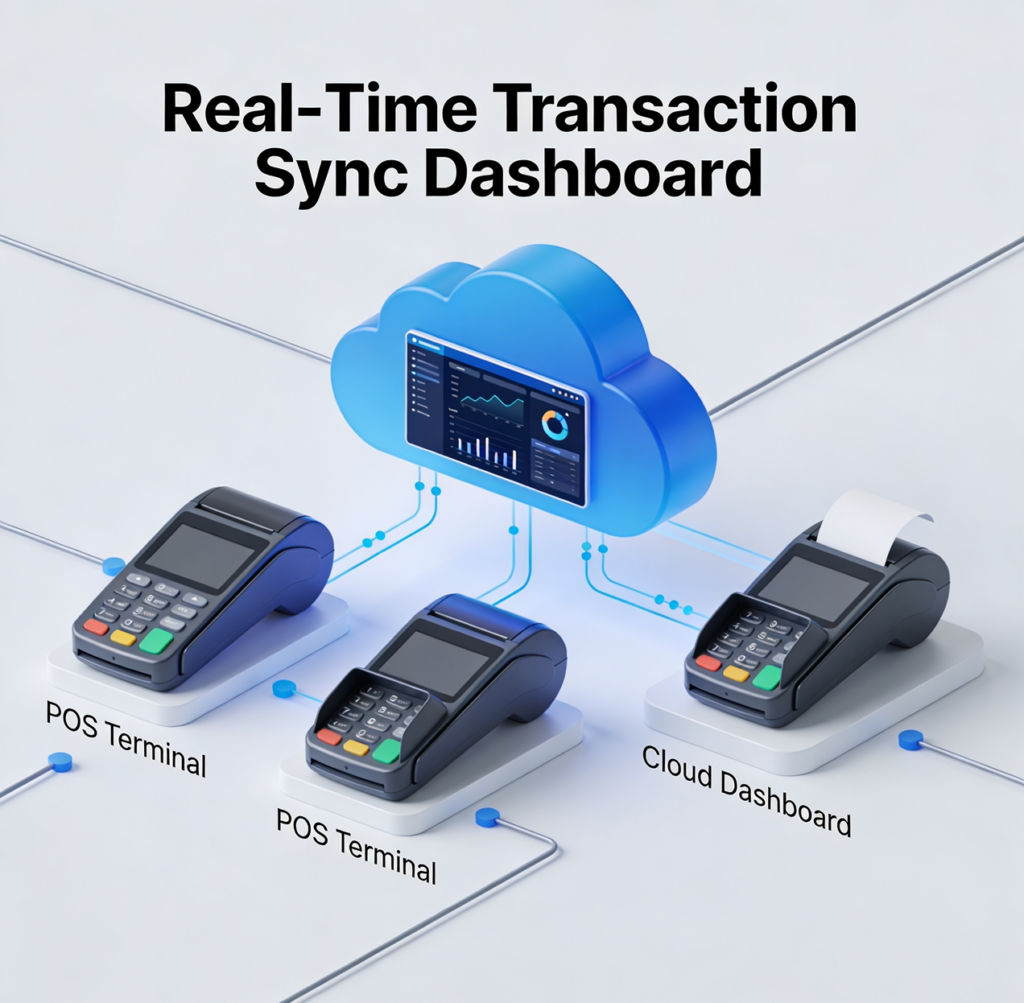
Tax updates from the manager show up in the cashier’s screen on the next sale — no app restart, no end-of-day push. Every transaction is timestamped, attributed to a staff member, and pushed to the dashboard in real time.

Cloud Pay Mobile

Counter Tools That Scale
with Your Business

Cloud Pay Mobile

Product Catalog with Categories

Organize items by category for fast cashier lookup. Add SKUs for inventory and reporting.
Cloud Pay Mobile

Inventory Tracking

Per-item stock counts with visual low-stock warnings.
Cloud Pay Mobile

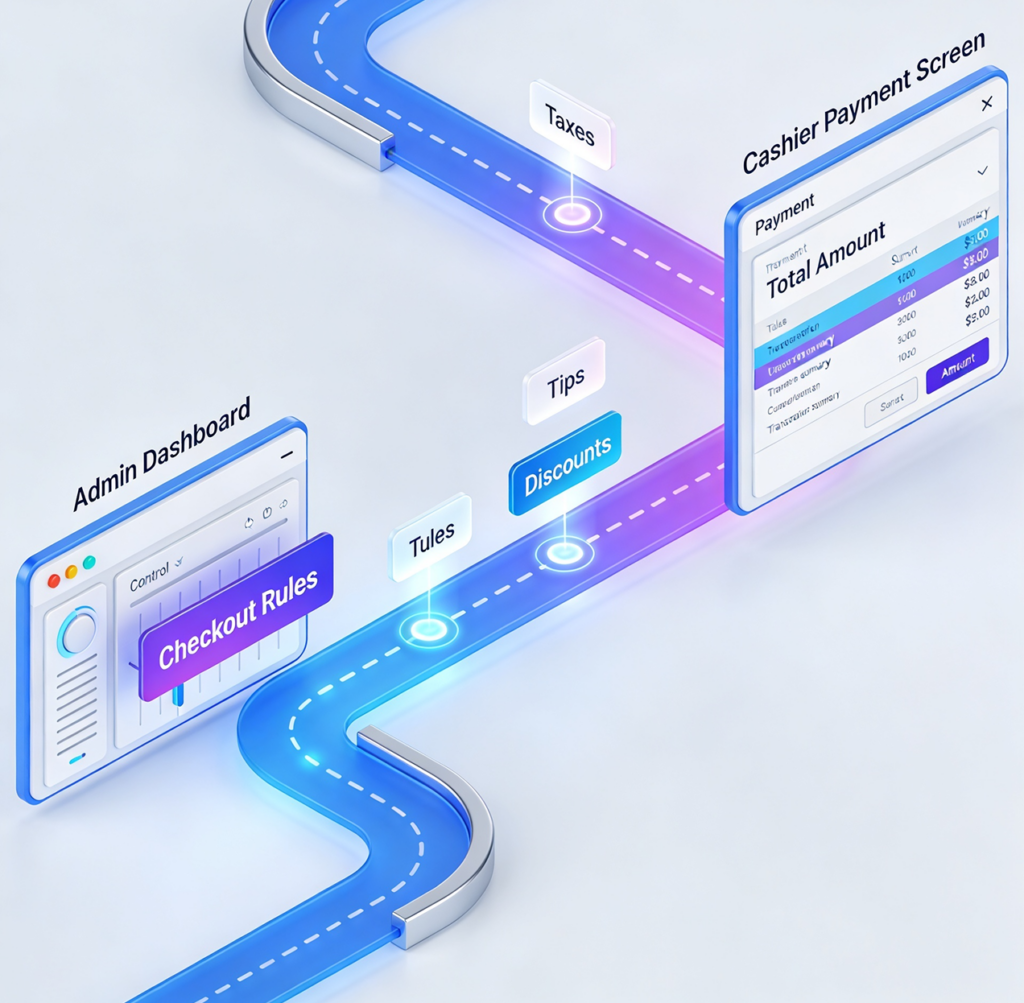
Tax, Tip, and Discount Management

Configure once at the admin level; cashiers apply them during checkout.
Cloud Pay Mobile

Role-Based Staff Access

Three role levels (Admin, Manager, Cashier) with email invites and permission controls.
Cloud Pay Mobile

Transaction Reporting

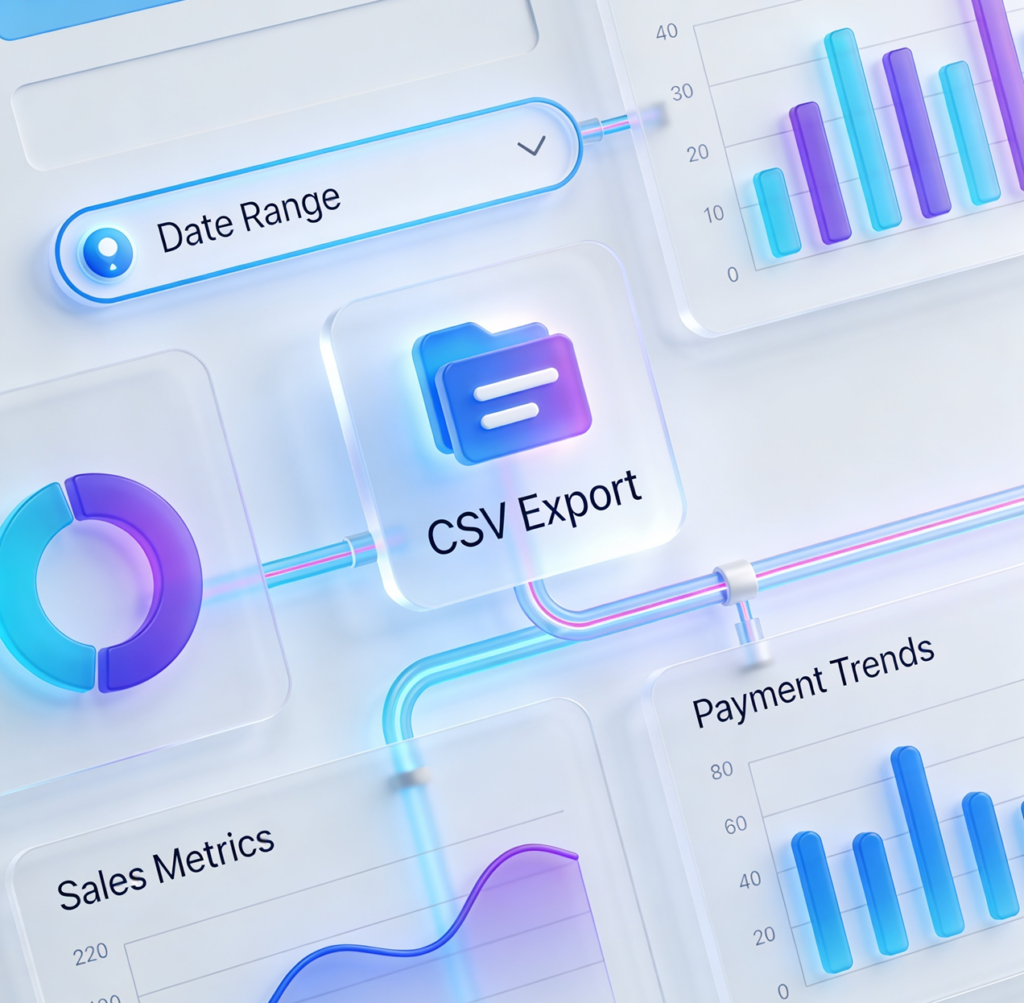
Sales Summary, Payment Methods, and Top Items reports — filterable by date and exportable to CSV from the dashboard.
Cloud Pay Mobile

Real-Time Dashboard Sync

Every sale, refund, and customer change appears in your Cloud Pay Mobile dashboard immediately.

Modernize Your Counter

A tablet, the CloudPay Mobile POS app, and your existing payment account. That’s the whole stack.