CloudPay Mobile

One Platform.
Three Ways to Use It.

Cloud Pay Mobile App for the phone in your pocket. Cloud Pay Mobile POS for the tablet on your counter. The Dashboard in any browser. Same backend, same dashboard, same merchant account.
Most payment platforms force you to pick one form factor and stick with it. Cloud Pay Mobile is built around the reality that businesses use different devices for different jobs. Field work runs on a phone. Counter work runs on a tablet. Reporting and back-office work run on a browser. All three connect to the same platform, the same customer records, and the same real-time data.

Same Platform, Different Form Factors

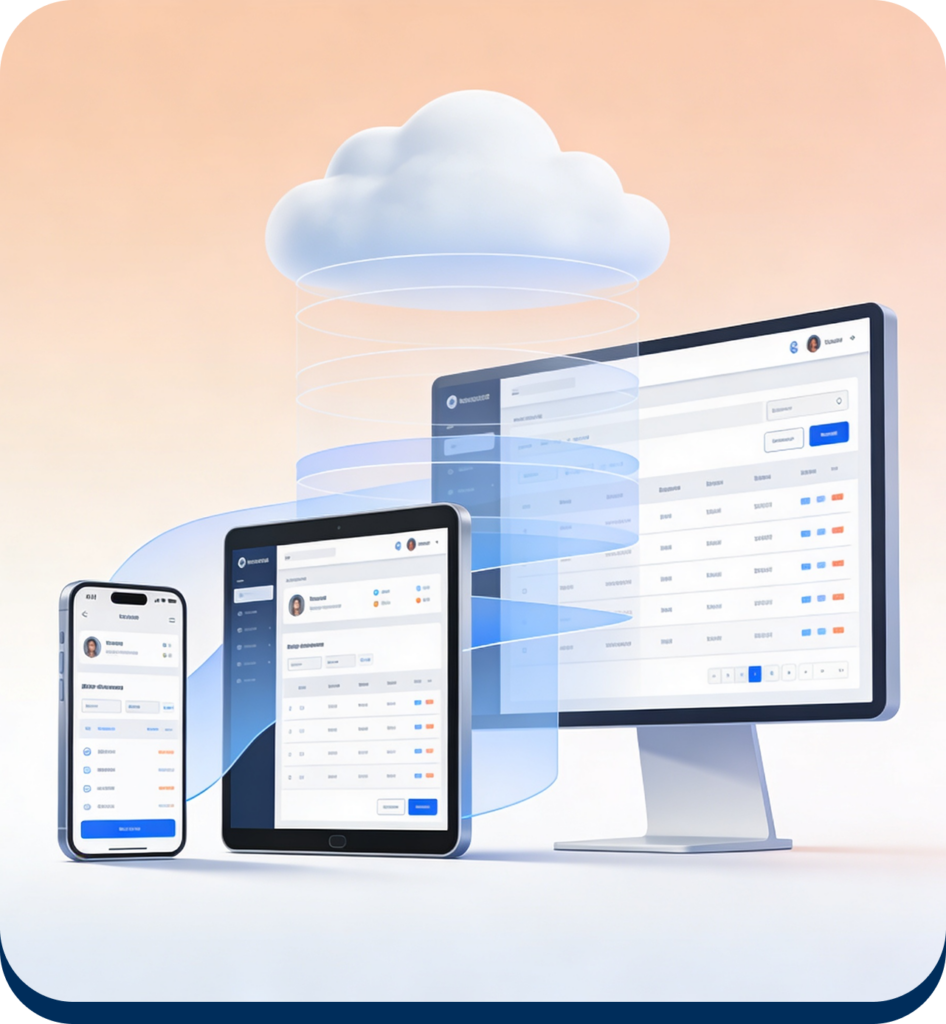
Every product uses the same backend, the same gateway integrations (NMI and Dejavoo via PaymentCore), and the same dashboard. Switching between them isn’t a migration — it’s just a different login on a different device.
A field tech runs the Mobile App on a phone during the day. The owner reviews sales from the Dashboard in a browser at night. If they open a counter location, they install Mobile POS on a tablet without changing anything about the underlying account, customer records, or reporting.
Pick the Product That Matches the Setup

Choose the right CloudPay solution based on your business
workflow, checkout environment, and operational requirements.
Cloud Pay Mobile

Cloud Pay Mobile App

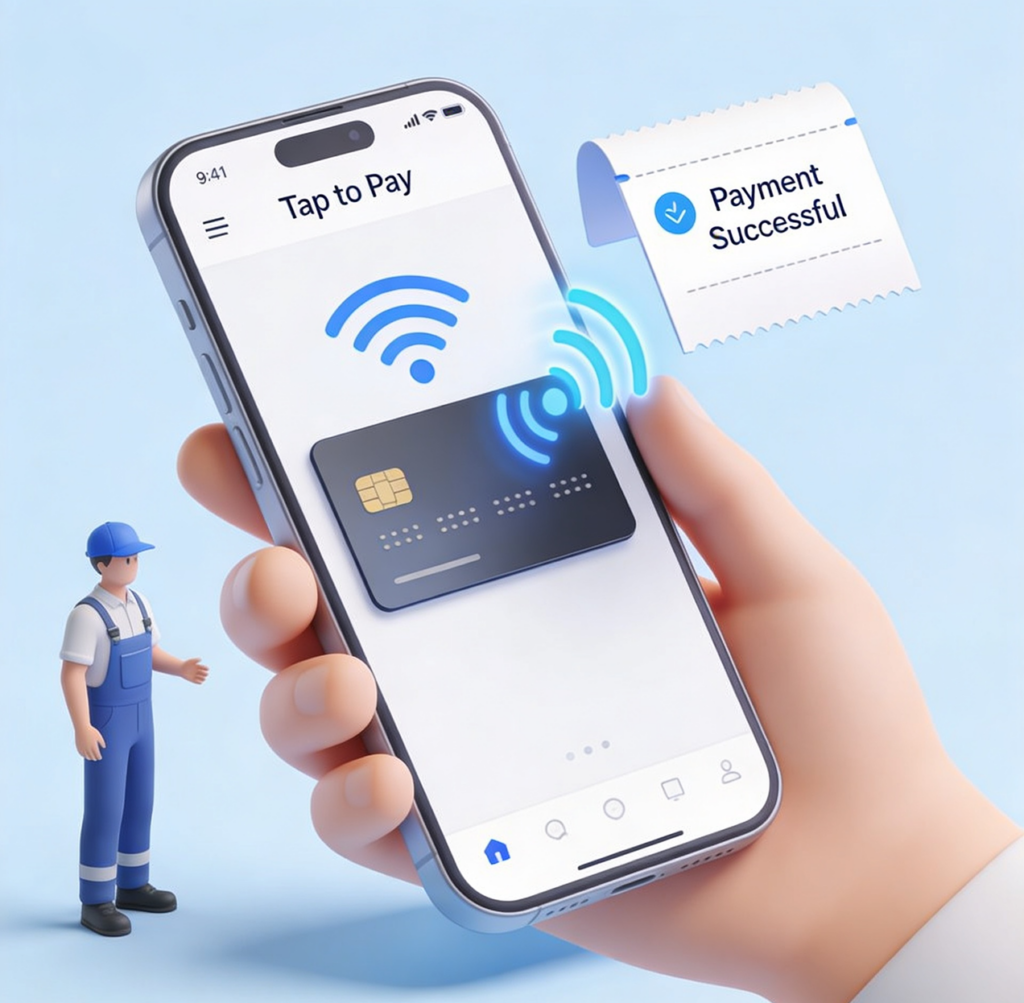
Phone-based payment app for field service, mobile selling, pop-ups, and on-the-go work. Tap to Pay on iPhone or Android, item catalog, customer management, payment links, and email receipts. Single-cashier or small-team workflows.
Cloud Pay Mobile

Cloud Pay Mobile POS

Tablet-based point-of-sale for fixed-location counters in retail, F&B, and service
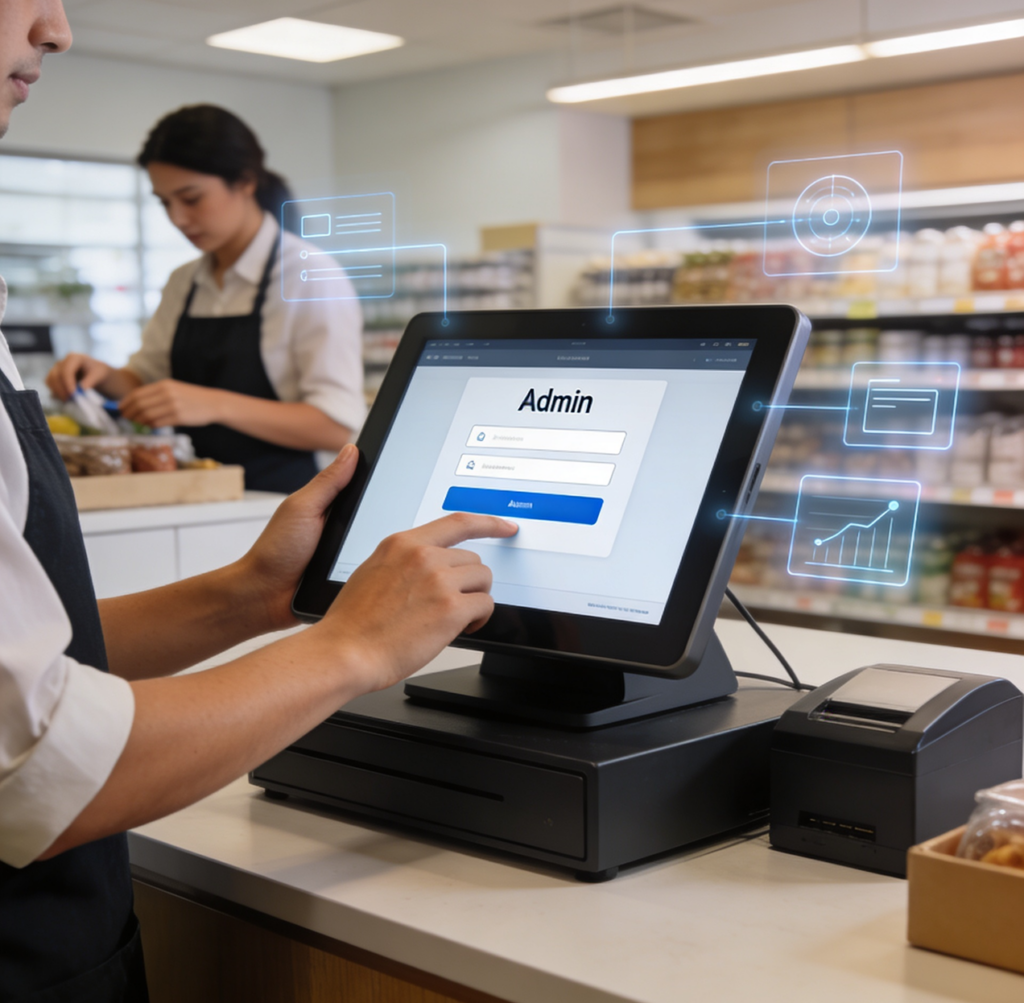
businesses. Catalog-driven checkout, role-based staff access (Admin/Manager/Cashier), inventory tracking, and structured reporting. Multi-staff workflows.
Cloud Pay Mobile

Dashboard

Browser-based dashboard at app.cloudpaymobile.io for reports, transactions, customer records, and Virtual Terminal payments. Monitor activity, view insights, and manage workflows from anywhere.

What's Built In Everywhere

Some capabilities are shared across all three products — they live in the platform, not in any one form factor.

Tap to Pay on iPhone and Android

Phone-as-reader contactless acceptance via Apple Proximity Reader (iOS) or SoftPOS through Dejavoo IposgoSDK (Android). No external hardware, no pairing.

Customer Records and Card on File

Every transaction attaches to a customer profile. Saved cards work across products — capture from the Mobile App, charge from the Dashboard’s Virtual Terminal, all against the same vault.

Real-Time Sync

Sales from any product show up across all of them immediately. No batch upload, no reconciliation gap.

Two-Gateway Support

Works with both NMI and Dejavoo accounts via the PaymentCore service. Merchants don’t need to migrate gateways to use CloudPay Mobile.

Unified Reporting

Sales Summary, Payment Methods, Top Items, and Audit Logs aggregate across every product, every channel, every staff member.

Get the Full Story

Each product page covers the workflow specifics — what cashiers see, what admins
control, and the full feature surface for that form factor.

Cloud Pay Mobile App

Phone-based product details: charge screen, customer management, item catalog,
settings, and field-service workflows.

Cloud Pay Mobile POS

Tablet-based product details: cashier interface, staff role permissions, catalog management, and counter workflows.

Dashboard

Browser-based dashboard details: reports, transaction management, Virtual Terminal, and audit logs.

Get Started With CloudPay Mobile

Sign up for an account once and use any combination of the three products. Add the others as your business grows.